Browse by Solutions
Browse by Solutions
How do I Add Quick links in Xinnect App?
Updated on June 28, 2022 04:11AM by Admin
Quick Links may contain multiple links that a user can use often enabling him to access fastly. The Quick Links consist of two types as listed below:
- Link - The created Quick Link will redirect you to the mentioned URL.
- Popup - The created Quick Link will display a pop-up.
Steps to Add Quick Links
- Log in and access Xinnect App from your universal navigation menu bar.
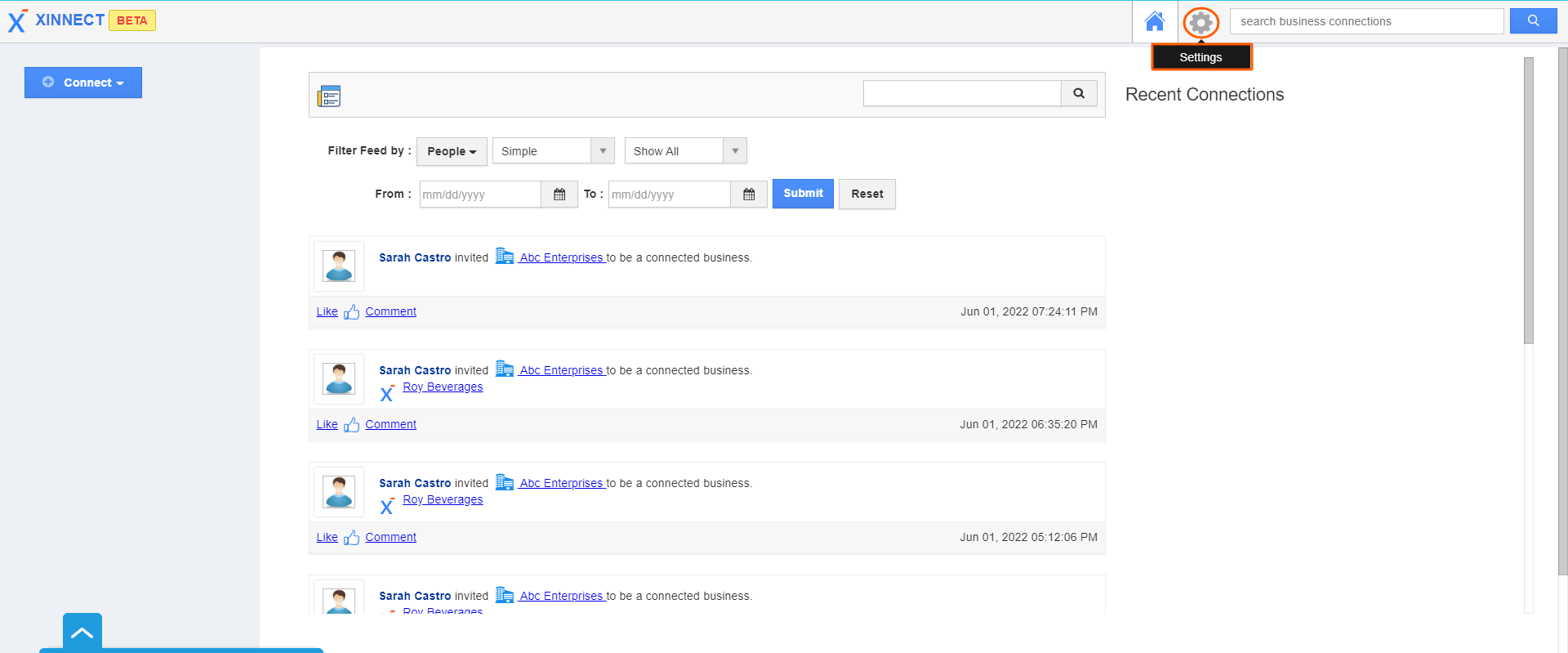
- Click on the Settings located at the app header bar.
 |
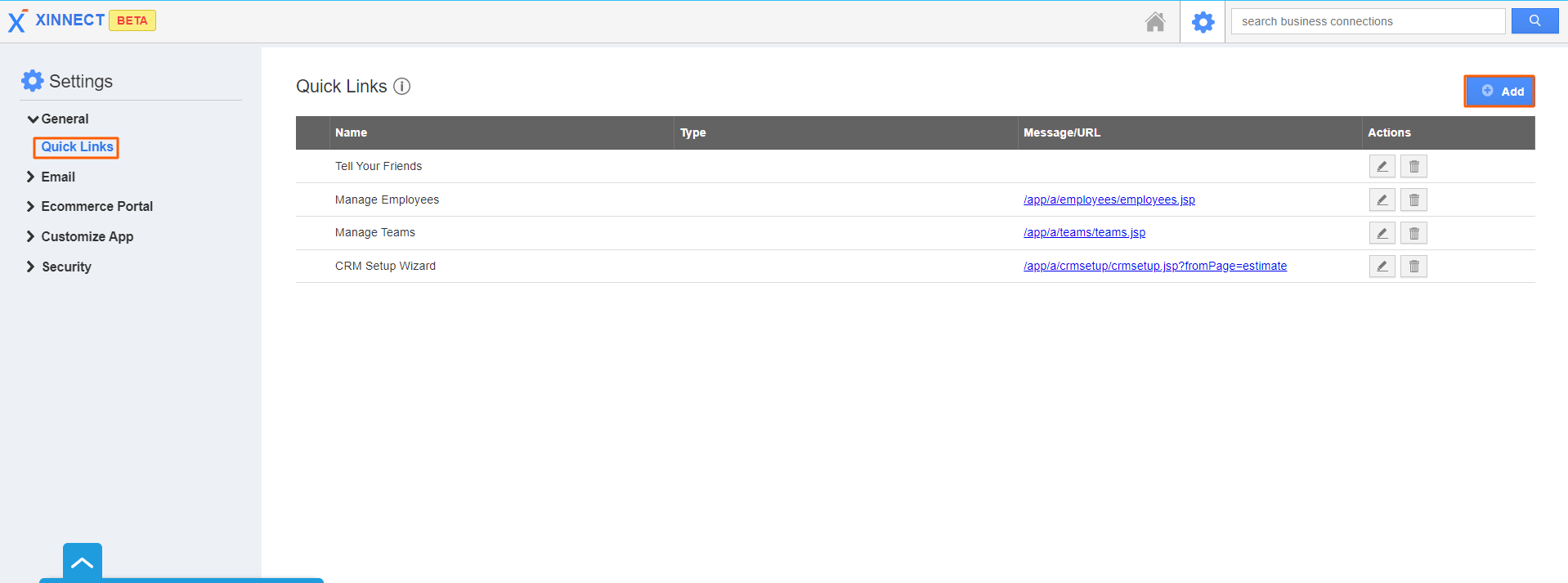
- Select Quick Links from the left navigation panel.
- Click on the Add button.
 |
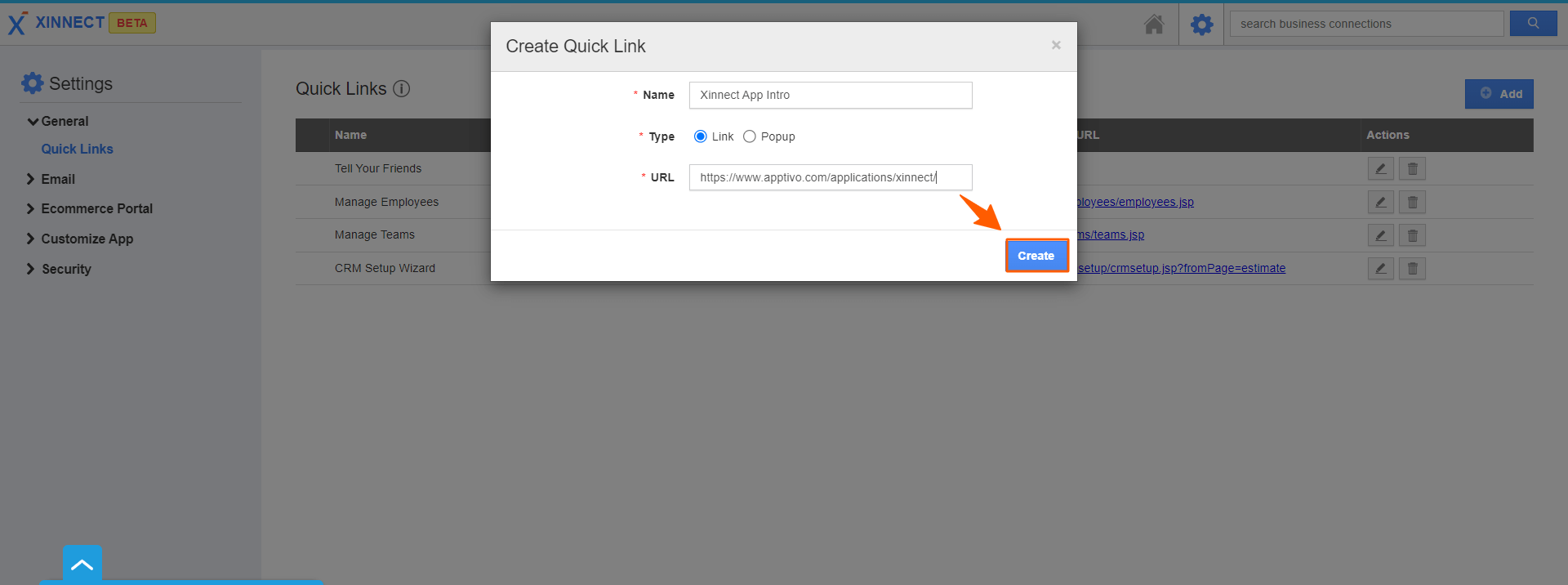
- Enter the following details:
- Name - Name of the quick link
- URL - URL of the quick link
- Click on the Create button to complete.
 |
Related Links
Read more about:
Flag Question
Please explain why you are flagging this content (spam, duplicate question, inappropriate language, etc):