The Properties app of Apptivo enables businesses to add activities to the properties. The name of these activities can be renamed according to your business requirements.
Steps to rename activities
- In the Properties app of Apptivo, select Settings from the App Header.
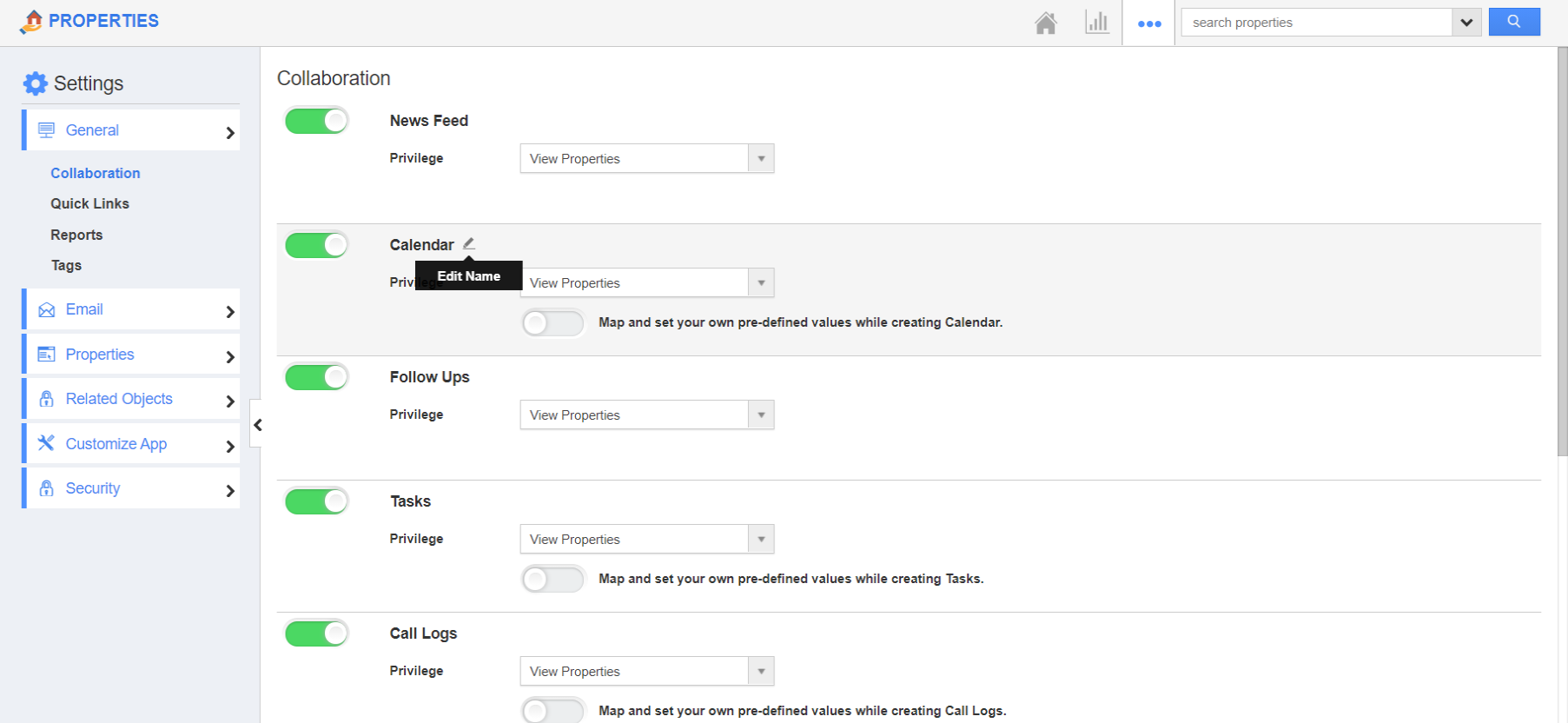
- Go to General → Collaboration from the left navigation panel of the Settings page. Hover the activity that is to be renamed. Here, Calendar. A pencil icon will appear.
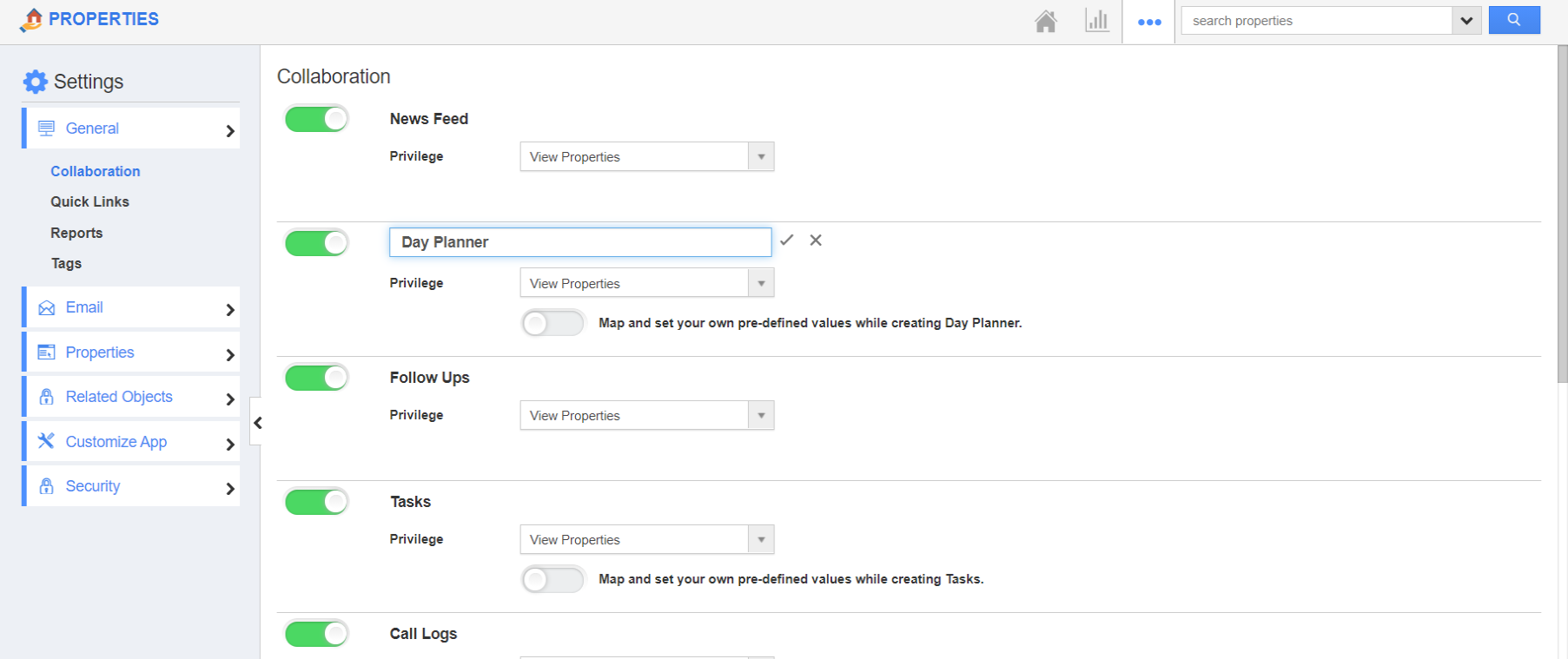
- Click on it to rename the Calendar activity. Here, the activity is renamed, Day Planner.
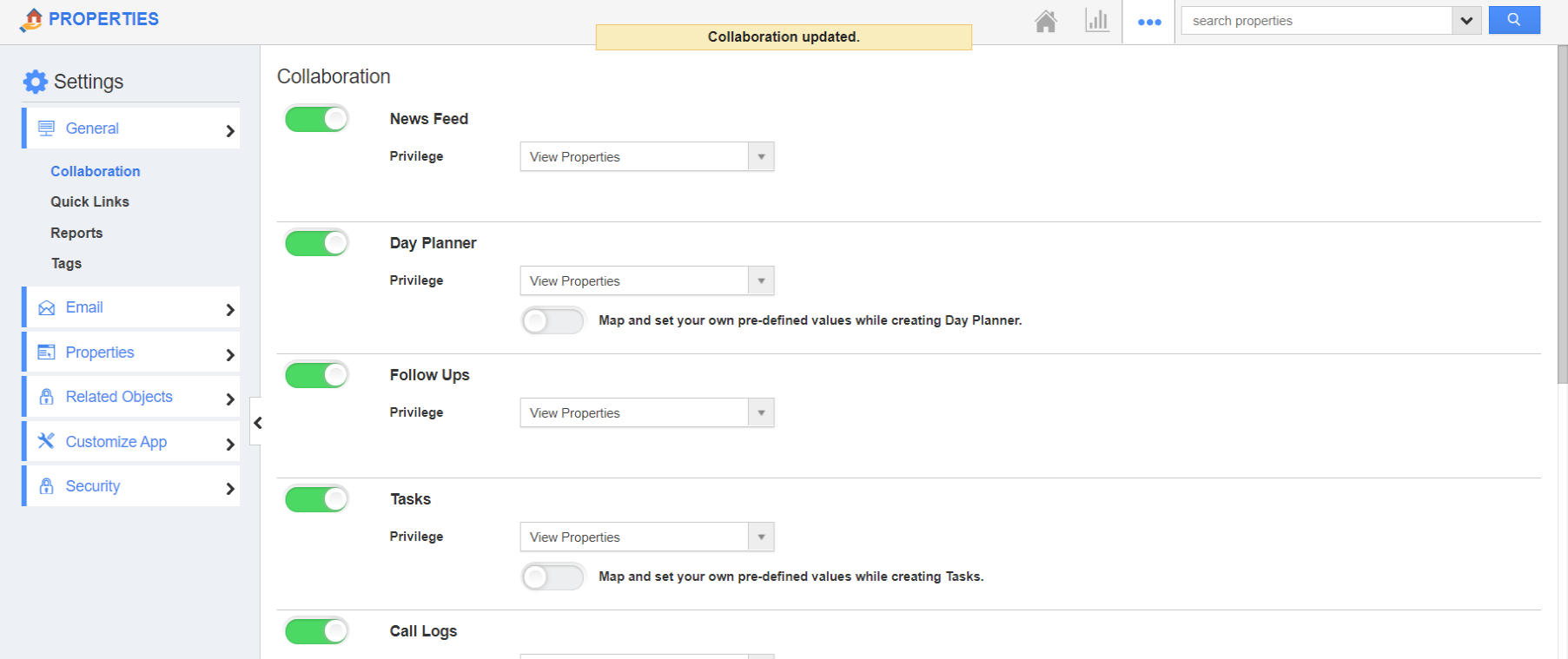
- Save the changes by clicking the tick icon.
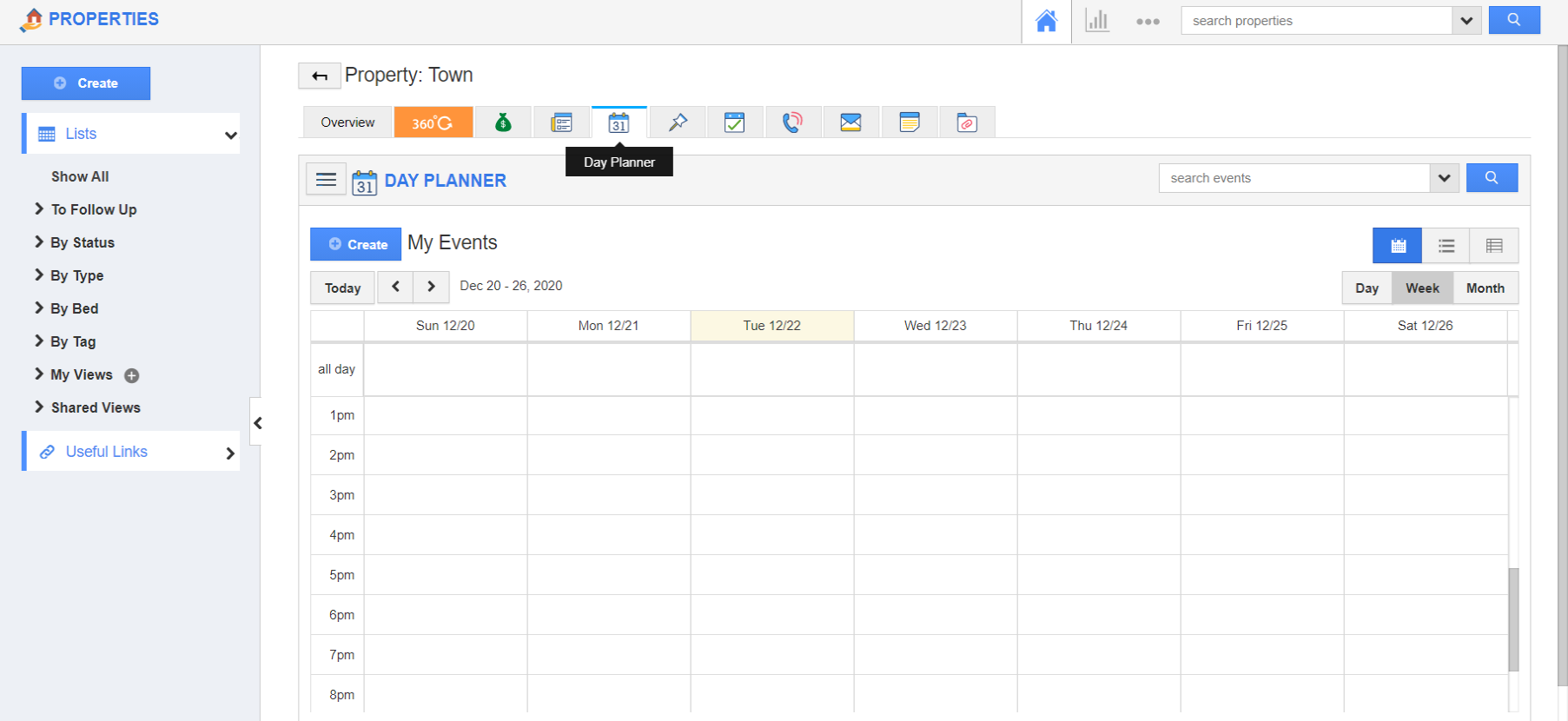
- The new name will appear on navigating to the Calendar activity on the overview page of a property.