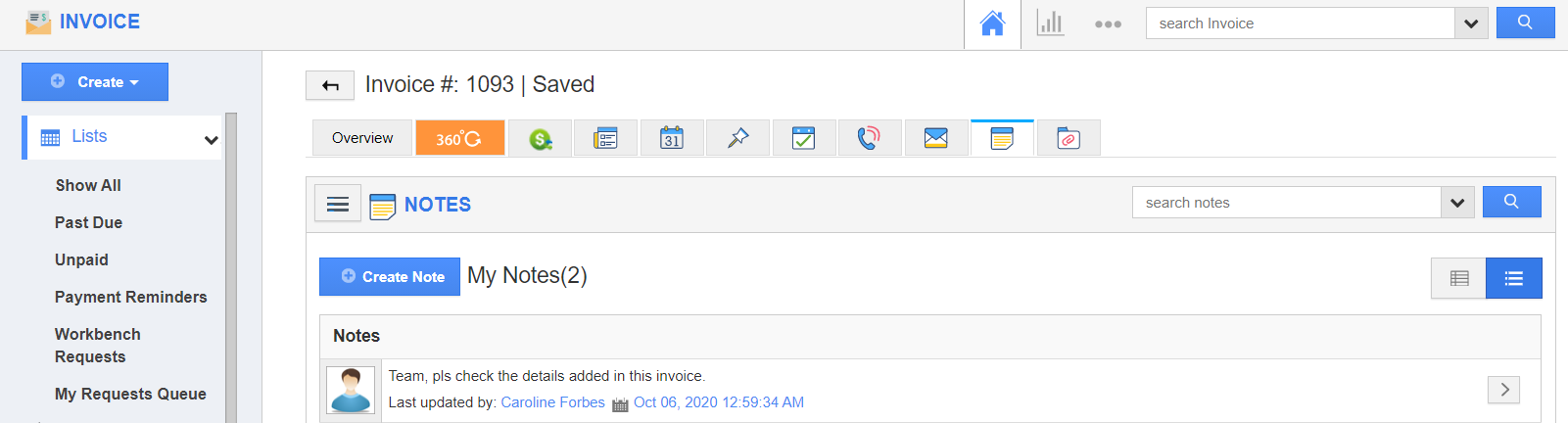
The Invoice App of Apptivo allows you to have the News Feeds added automatically as Notes in the corresponding invoices.
Steps to add news feed as notes
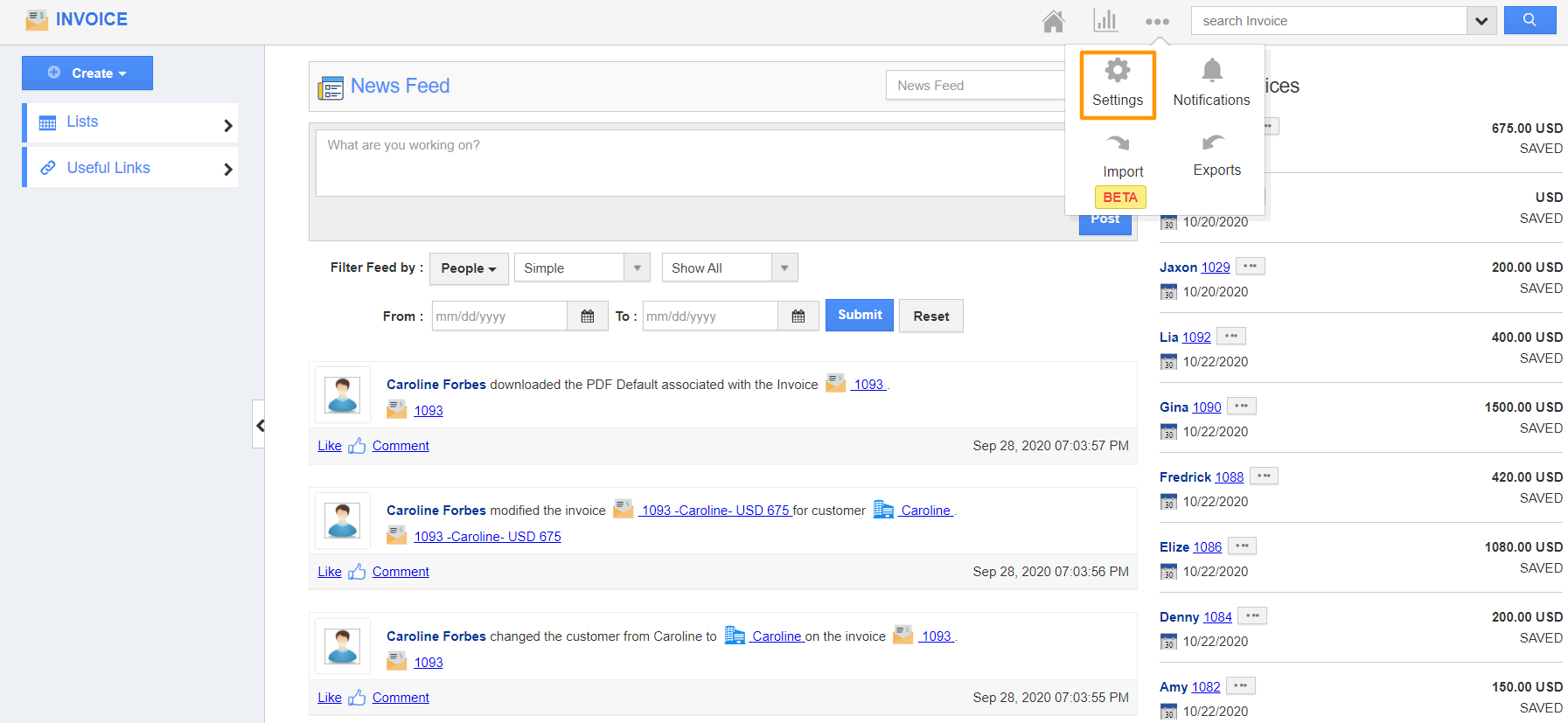
- Connect to your Apptivo account and navigate to the Invoice App. In the Invoice App, select Settings.
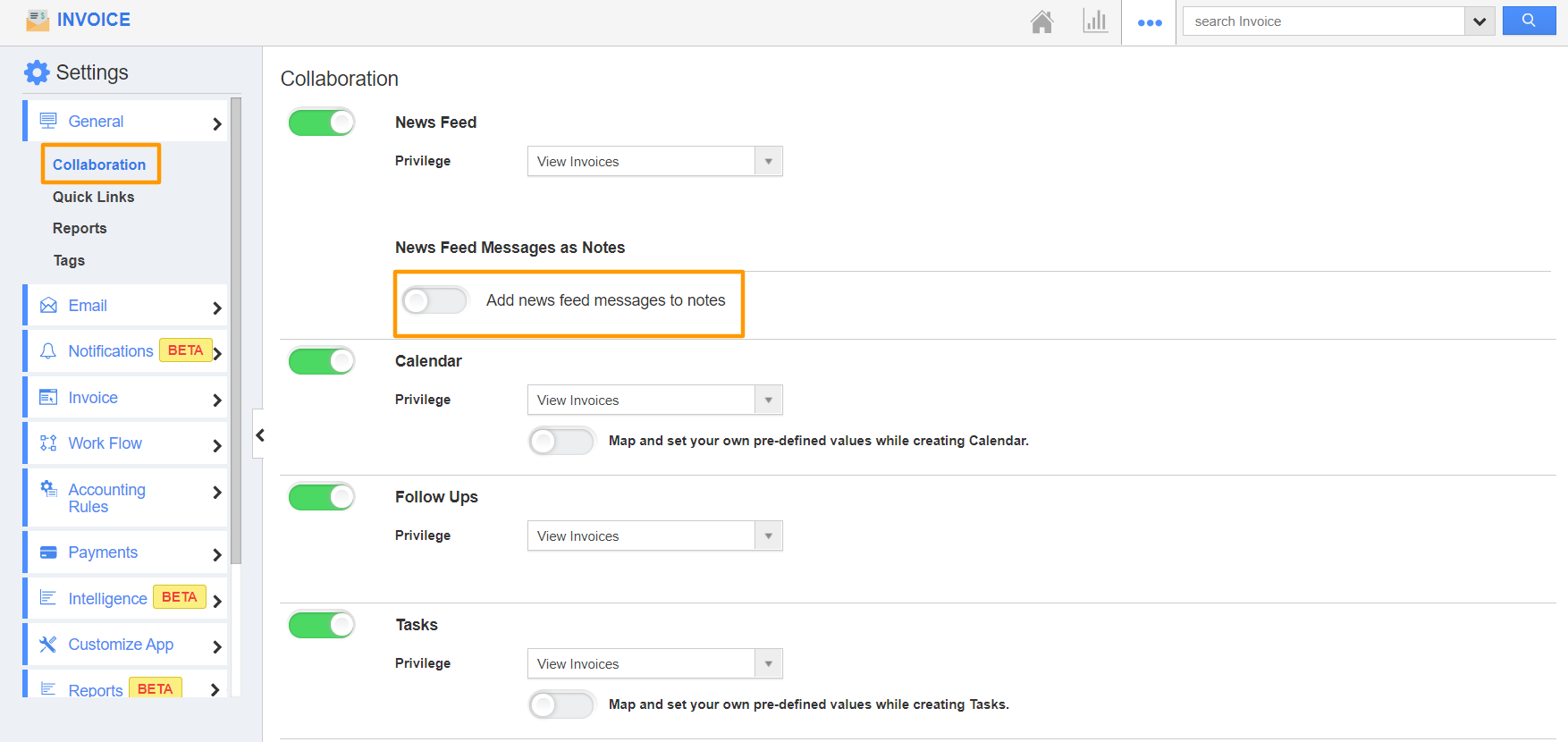
- In the Settings page, select Collaboration. The Collaboration page will appear in the right pane. Here, you can see there is a toggle to Add News feed messages to notes in the News Feed section.
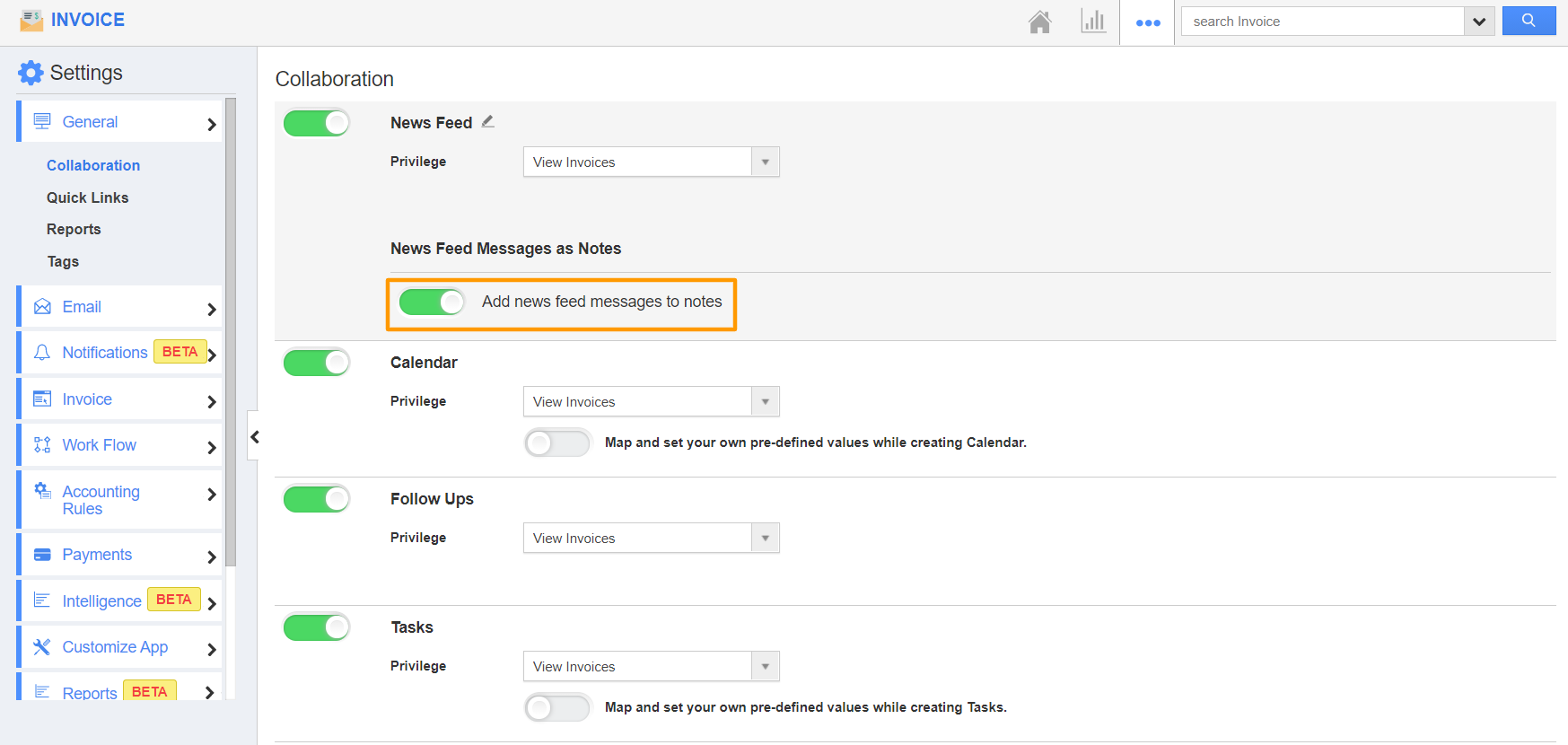
- Enable the Add News Feed messages to notes toggle.
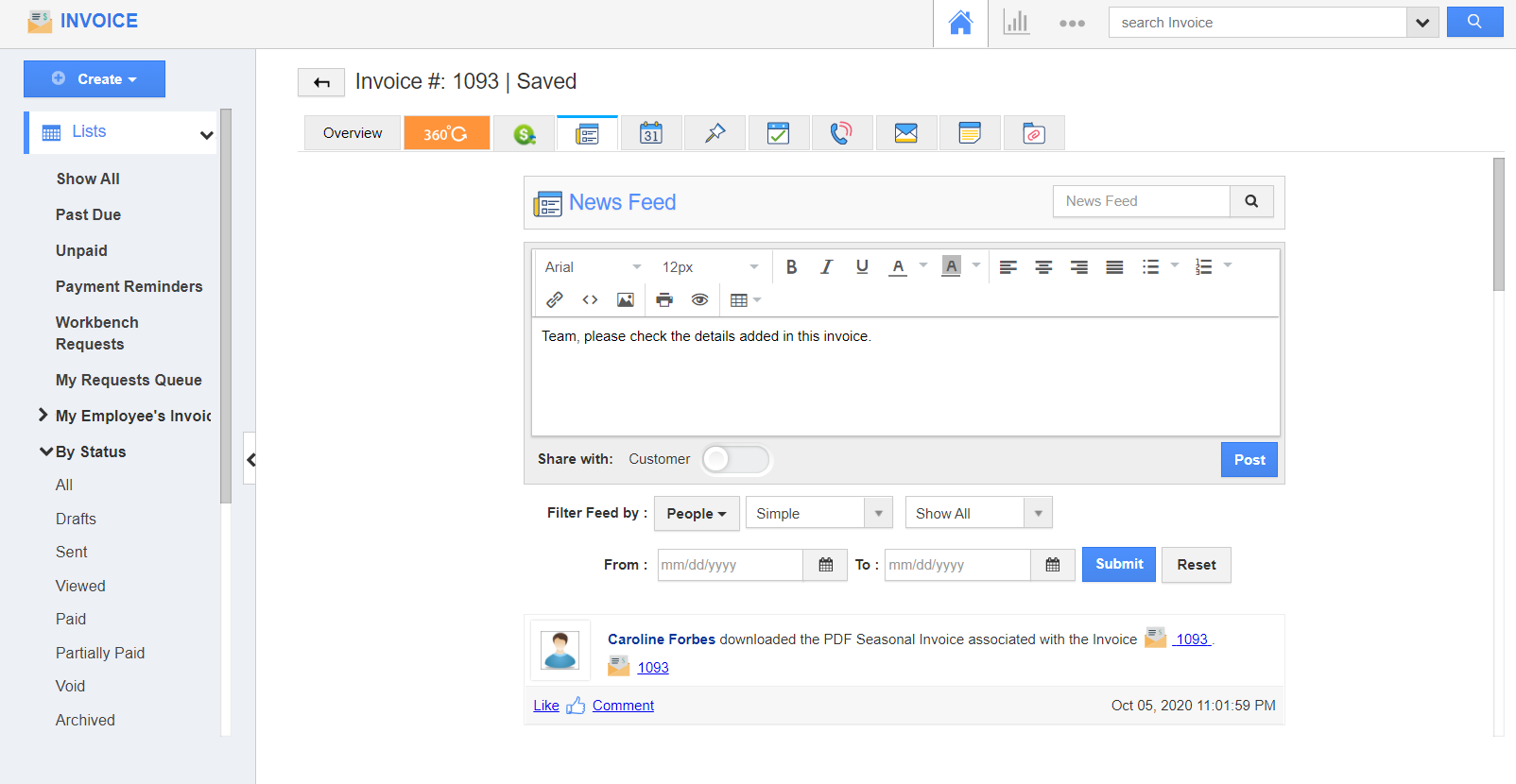
- Now, create or open an existing invoice in the Invoice App. Move to the News Feed tab and add a News Feed.
- This News Feed is added automatically to the Notes tab of the selected invoice.