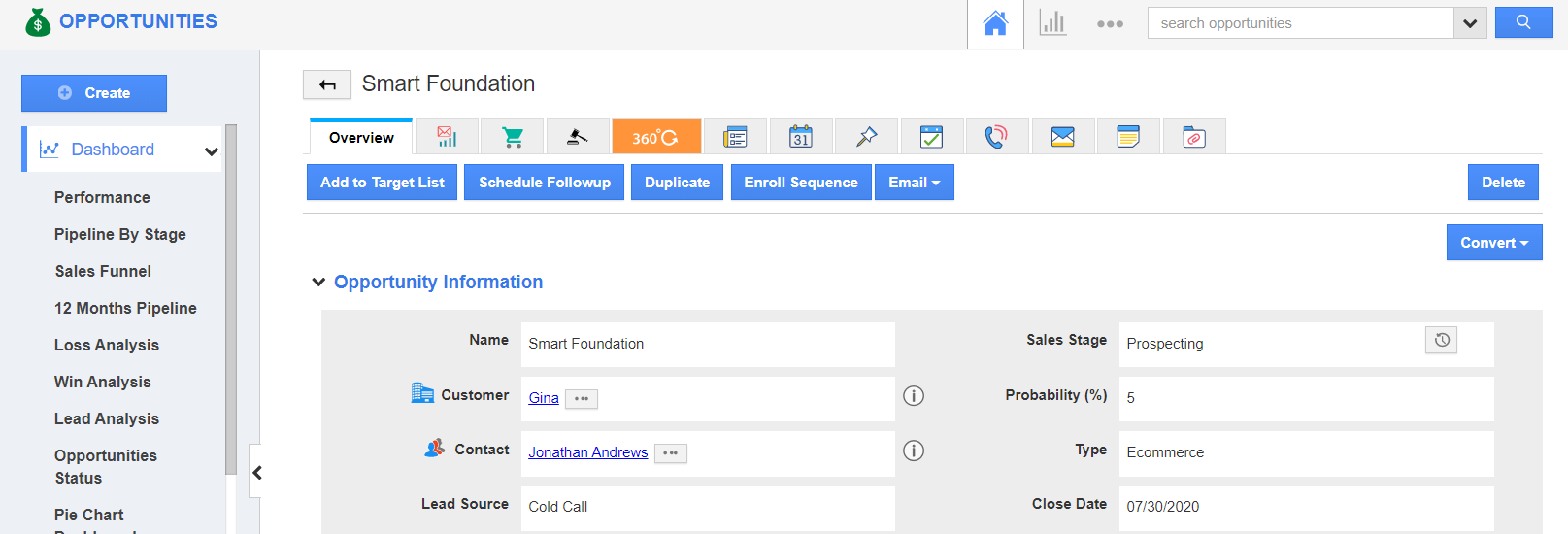
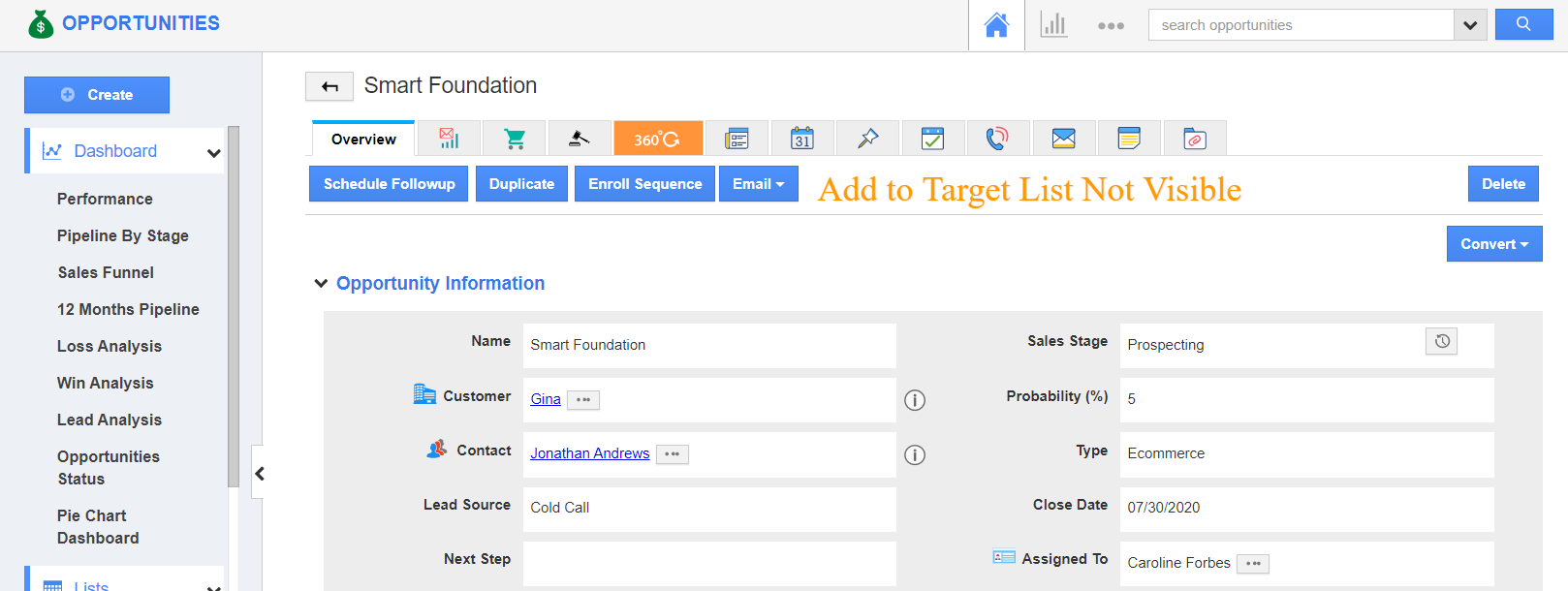
The Opportunities app of Apptivo lets users add an opportunity to the target list. This is enabled by default.
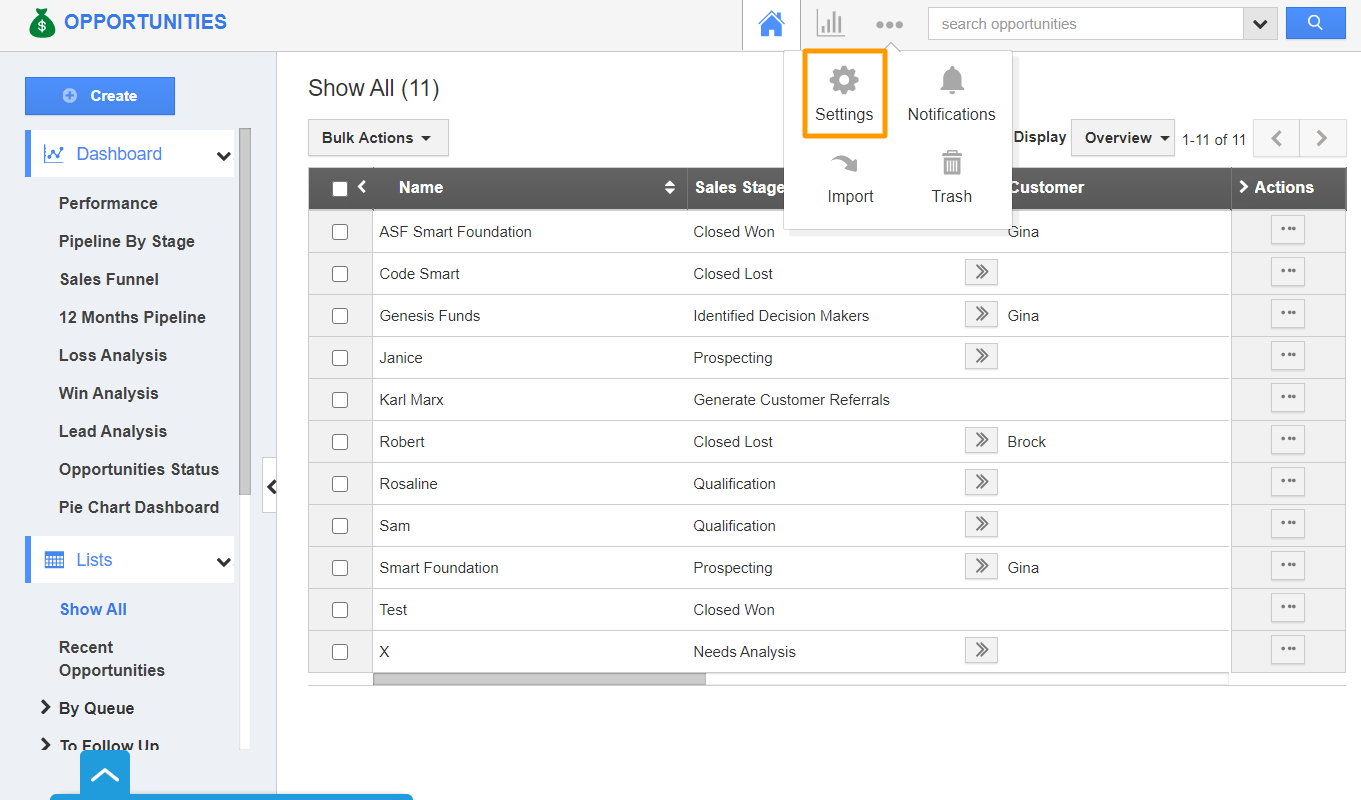
- To disable the Add to Target List button in Apptivo, select Settings from the App Header of the Opportunities App.
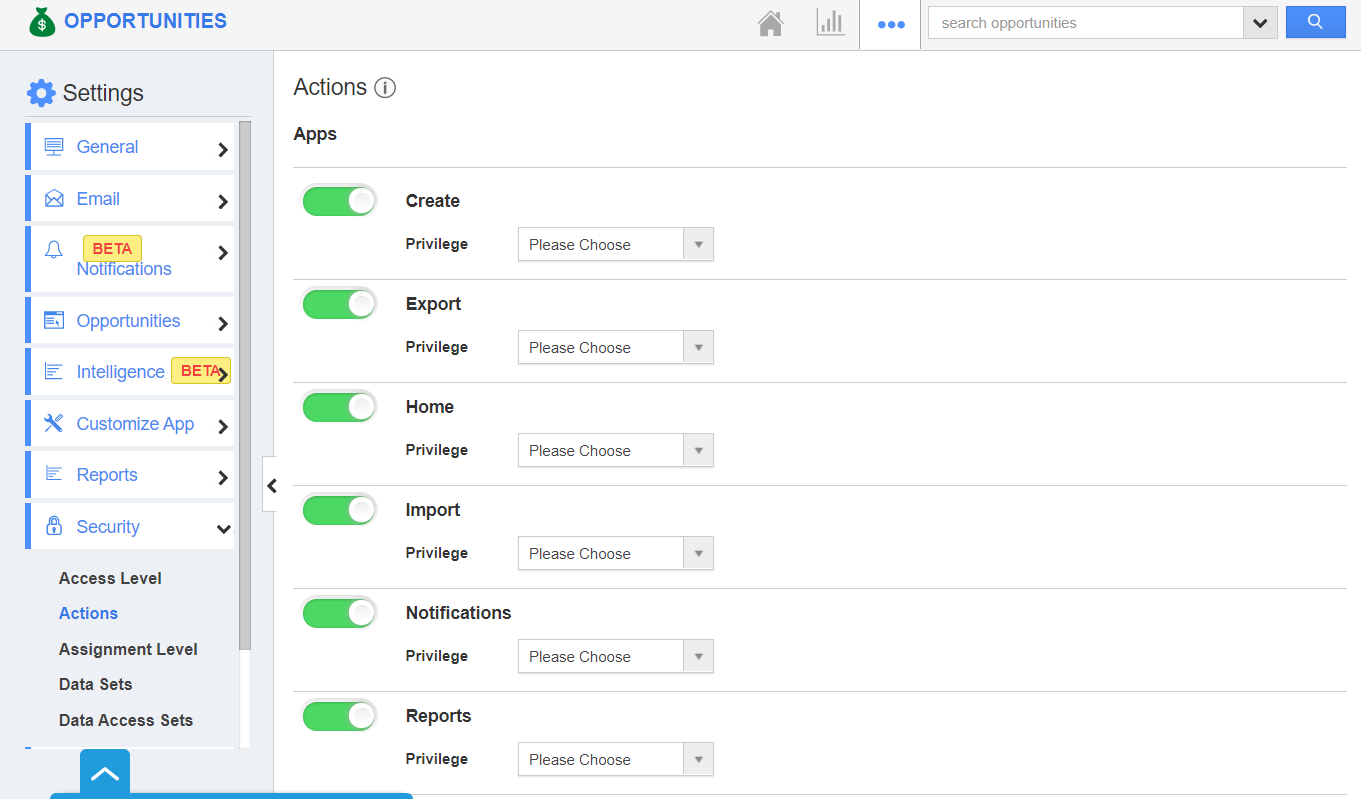
- In the Settings page, select Security → Actions.
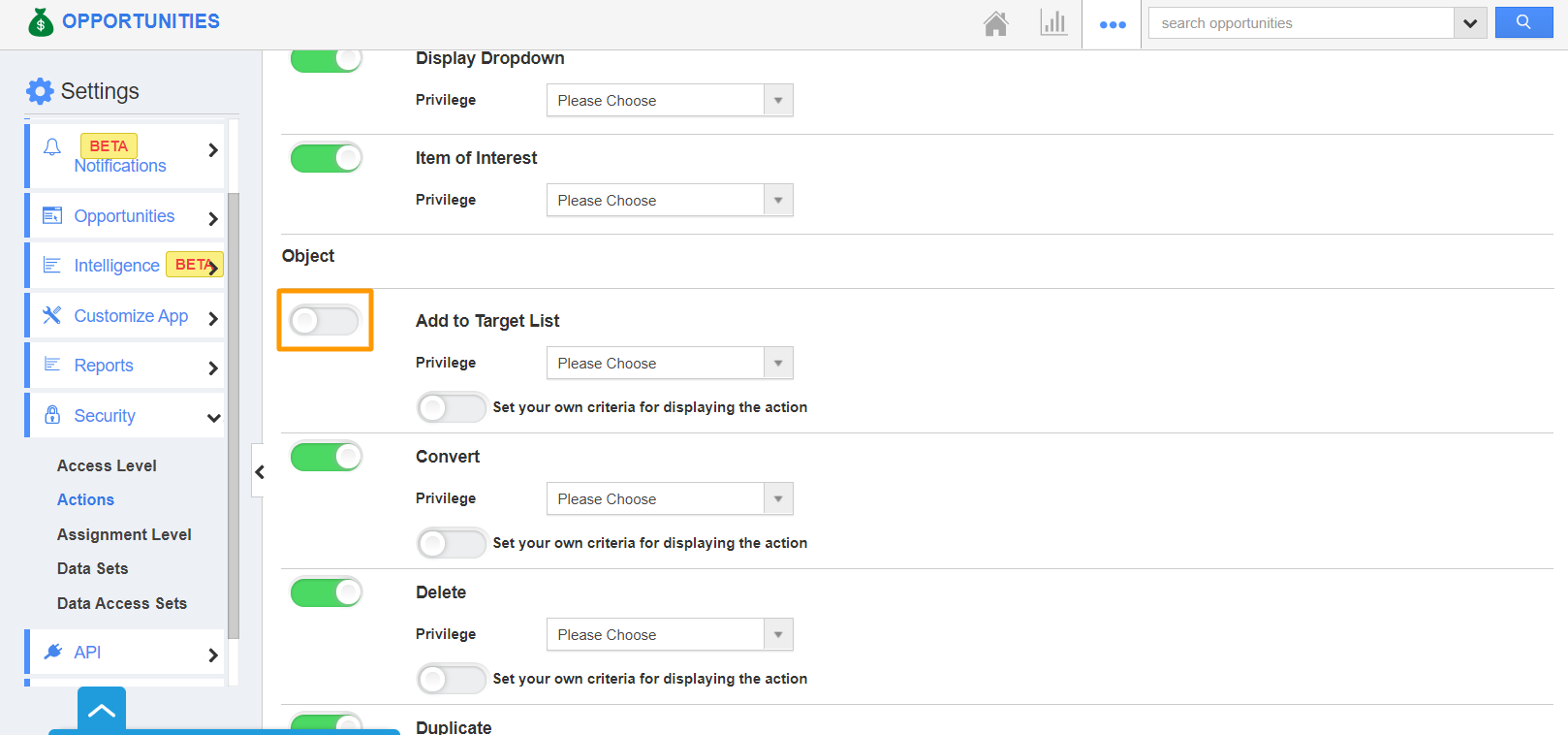
- Disable the toggle for Add To Target List object. You can also make use of the privileges option to provide access only to selected employees.
- The Add To Target List button will not be visible on the overview page of the opportunities.