- Connect to your Apptivo account and consider sharing an existing view in the Testimonials App.
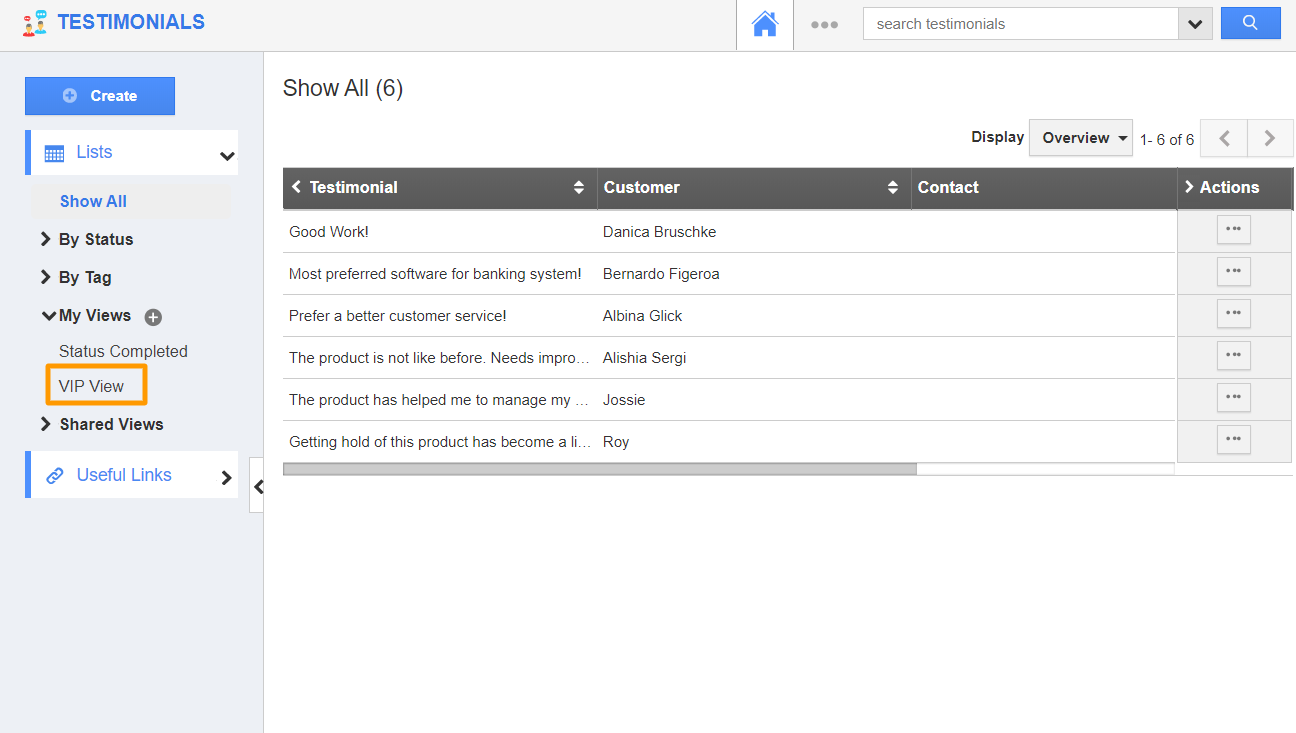
- Go to My Views on the left panel. You can see the list of existing views.
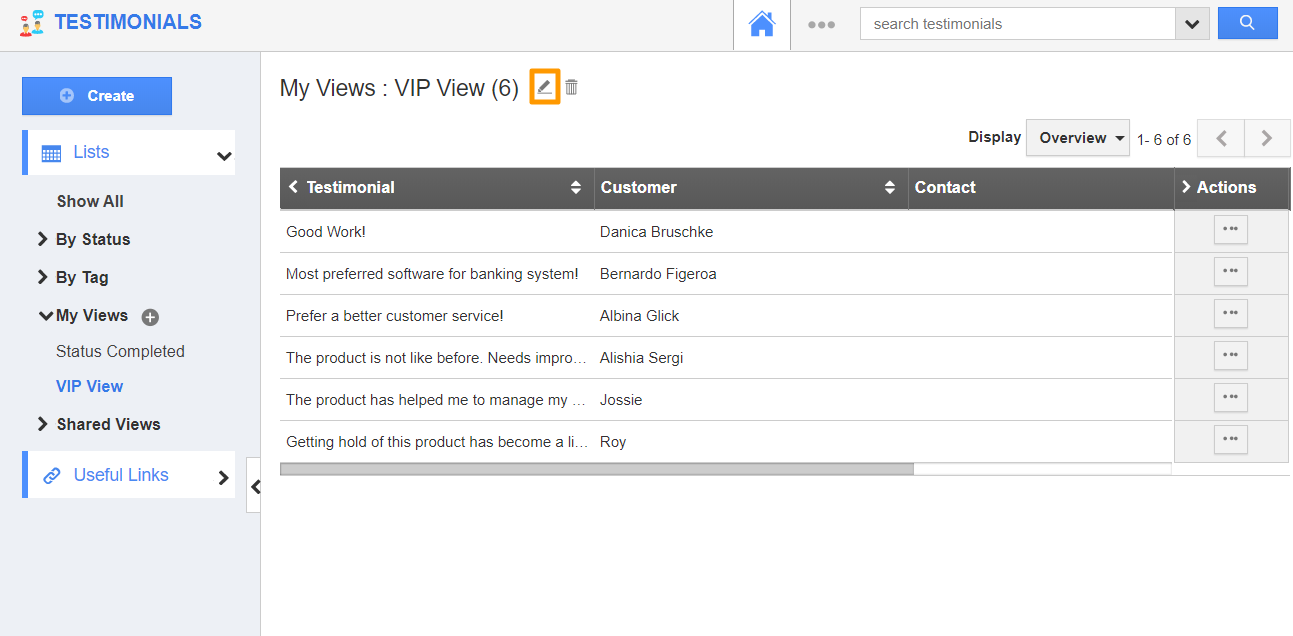
- Select an existing view. The associated testimonials will appear in the right panel.
- Select the Pencil icon to customize the view.
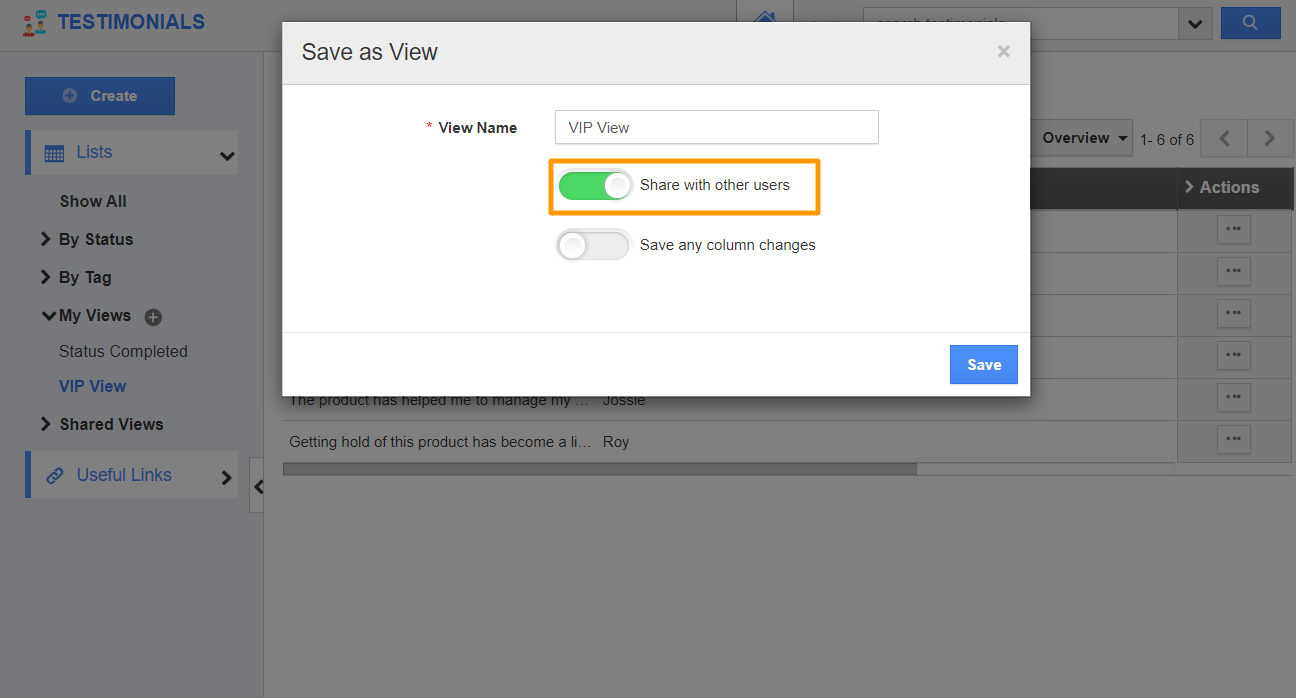
- The Edit View popup will appear. Here, the share with other users toggle is disabled. Enable the toggle to share with other users and select Update.
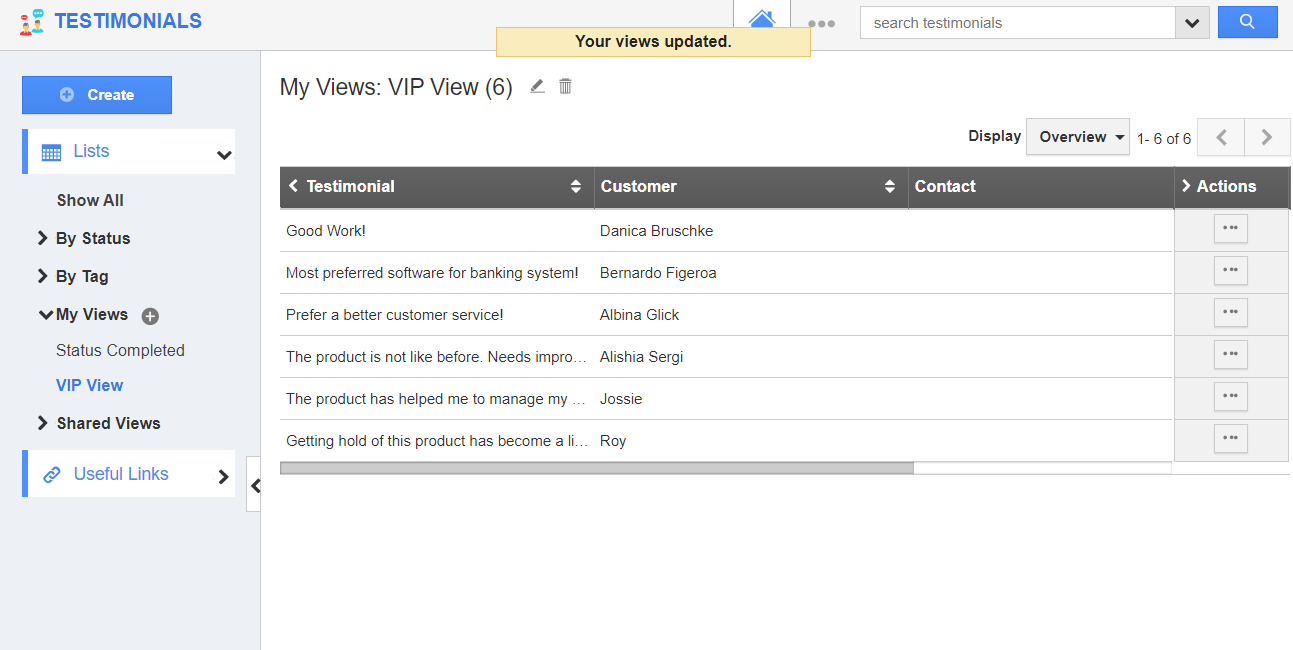
- You will be notified that the view is updated.
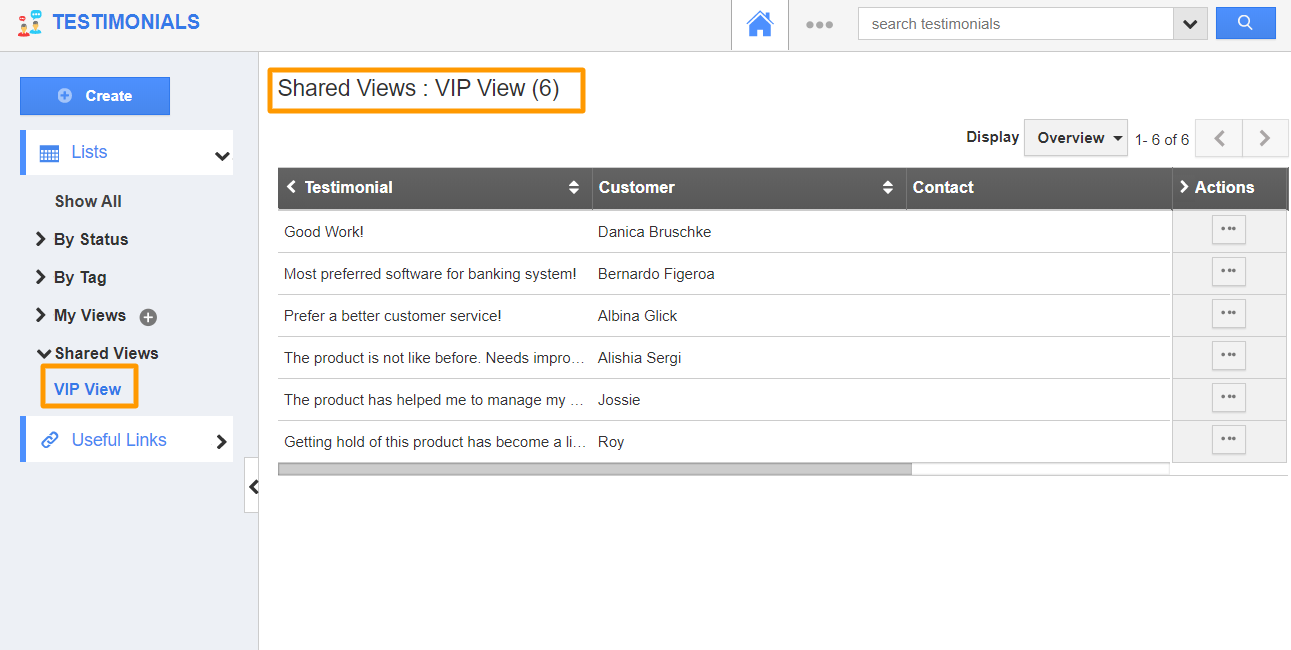
- When another employee goes to the Testimonials App from his/her login, the view will be available under Shared Views.
Note: The testimonials displayed in the view changes based on the privilege of the employee with whom the testimonials are shared.