The Testimonials App of Apptivo allows you to perform two types of search operations:
- Simple Search
- Advanced Search
- In Simple search, you can search for testimonials with a single value over the complete record. In Advanced search, you can perform a precise search against a particular attribute or more than one attribute.
Steps to perform Simple search
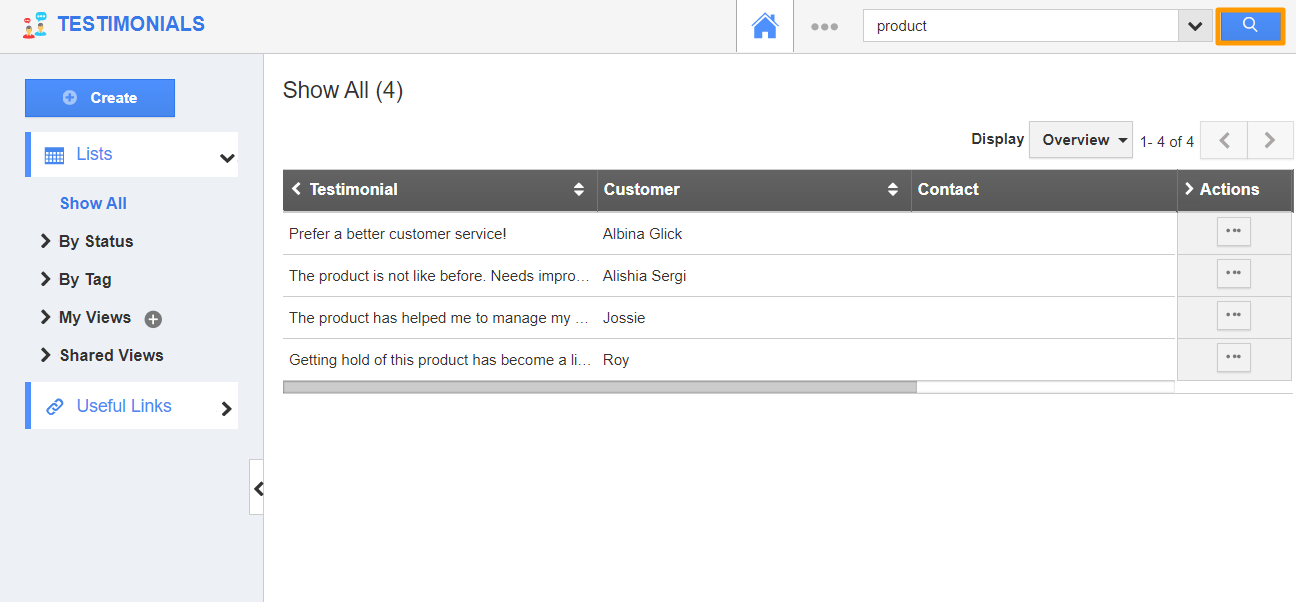
- In the Testimonials App, the search bar is available at the top right corner.
- You can add a value to it and click on the Search icon.
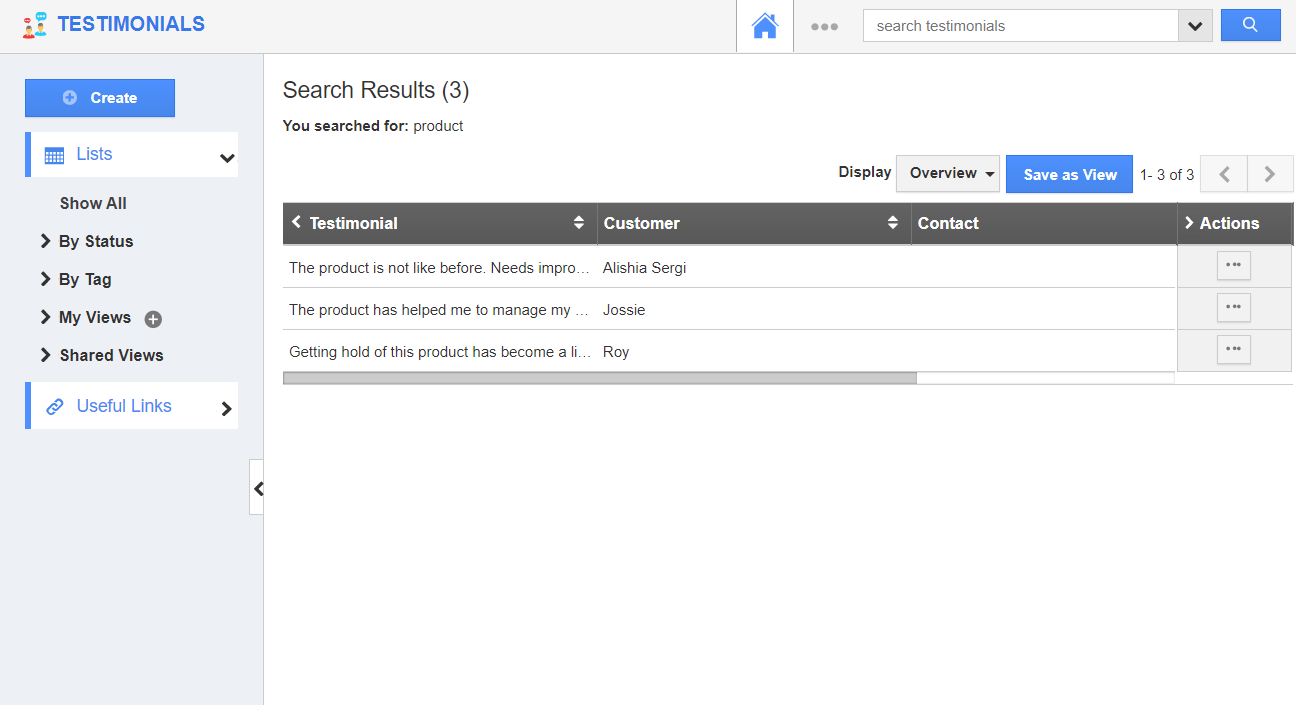
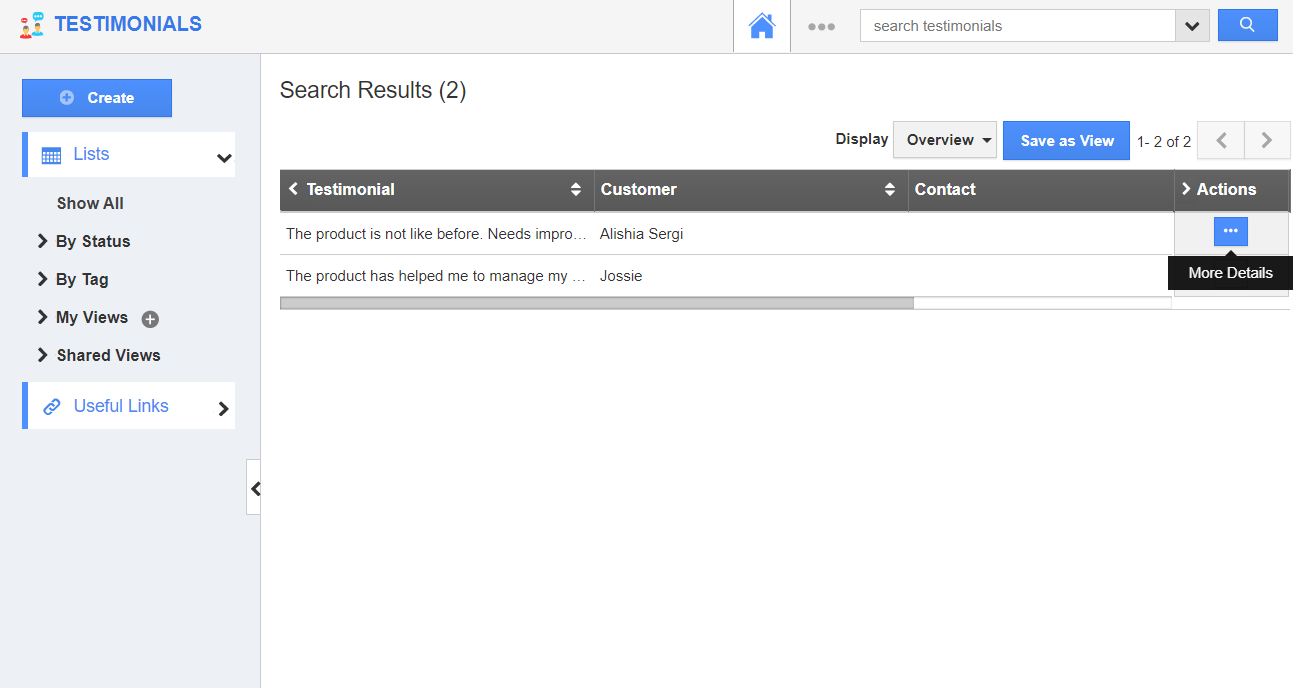
- The search results will come into view. You can see all the records that have the searched keyword will be lined up in the result.
Steps to perform Advanced search
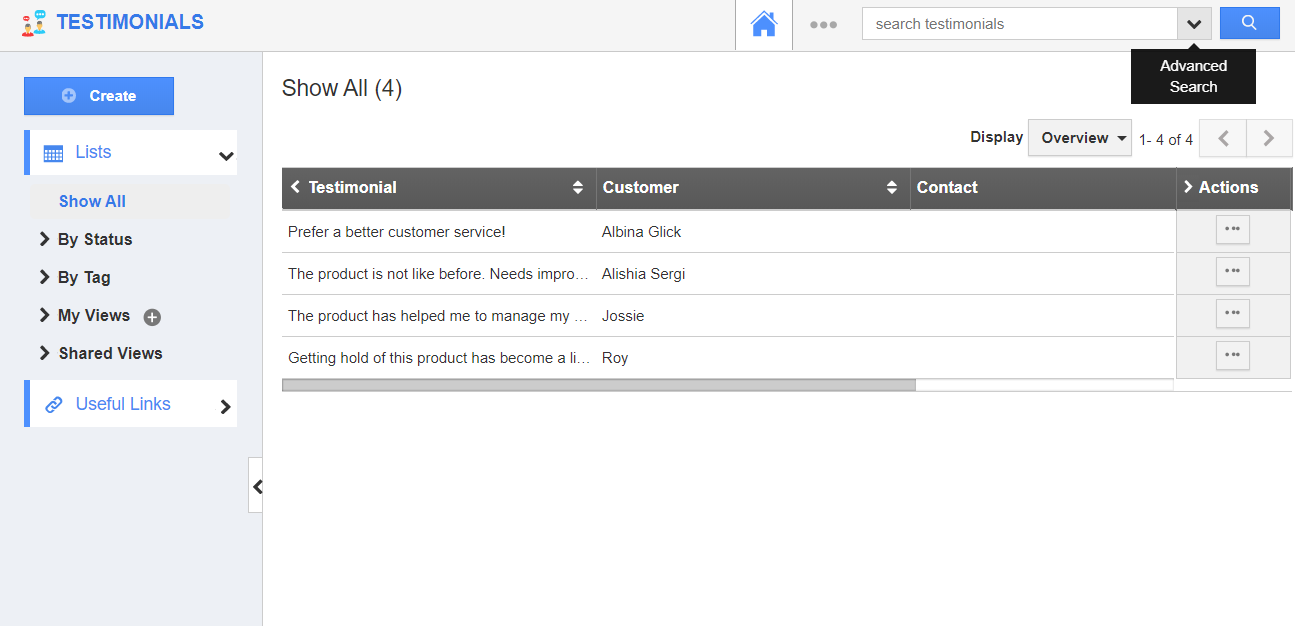
- Click the Search dropdown in the search bar of the Testimonials App to display the Advanced Search side panel.
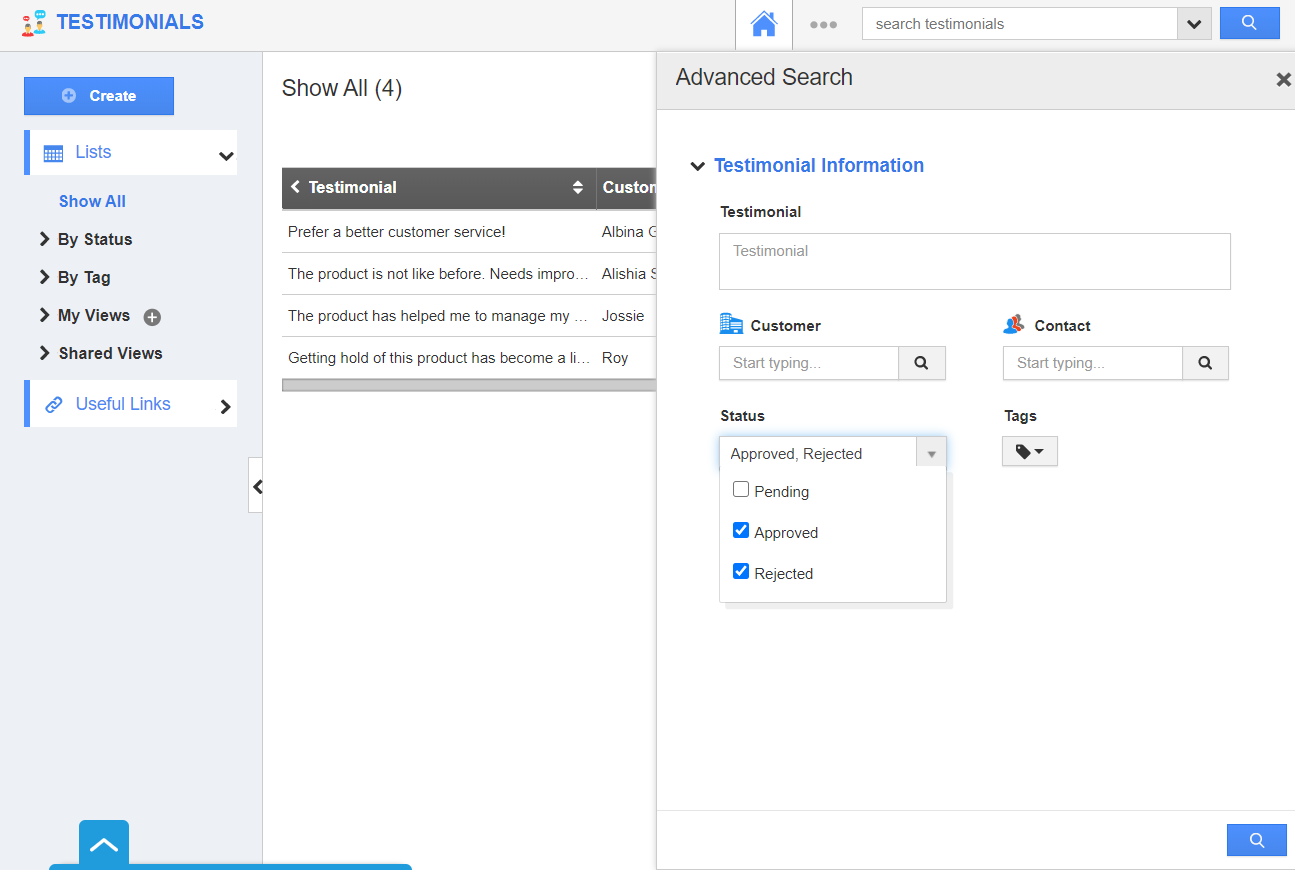
- Advanced Search side panel allows you to search using the fields shown below
- Testimonial - Search based on the data in the testimonial field.
- Customer - Perform a search in the Customer attribute.
- Contact - Search based on the contact name.
- Status - Select one or more status and perform a search.
- Tag - Show records with the selected tag.
- Here, the records are to be displayed if their status is either Approved or Rejected.
- Click the search icon.
- The testimonials that have the selected status will come into view.
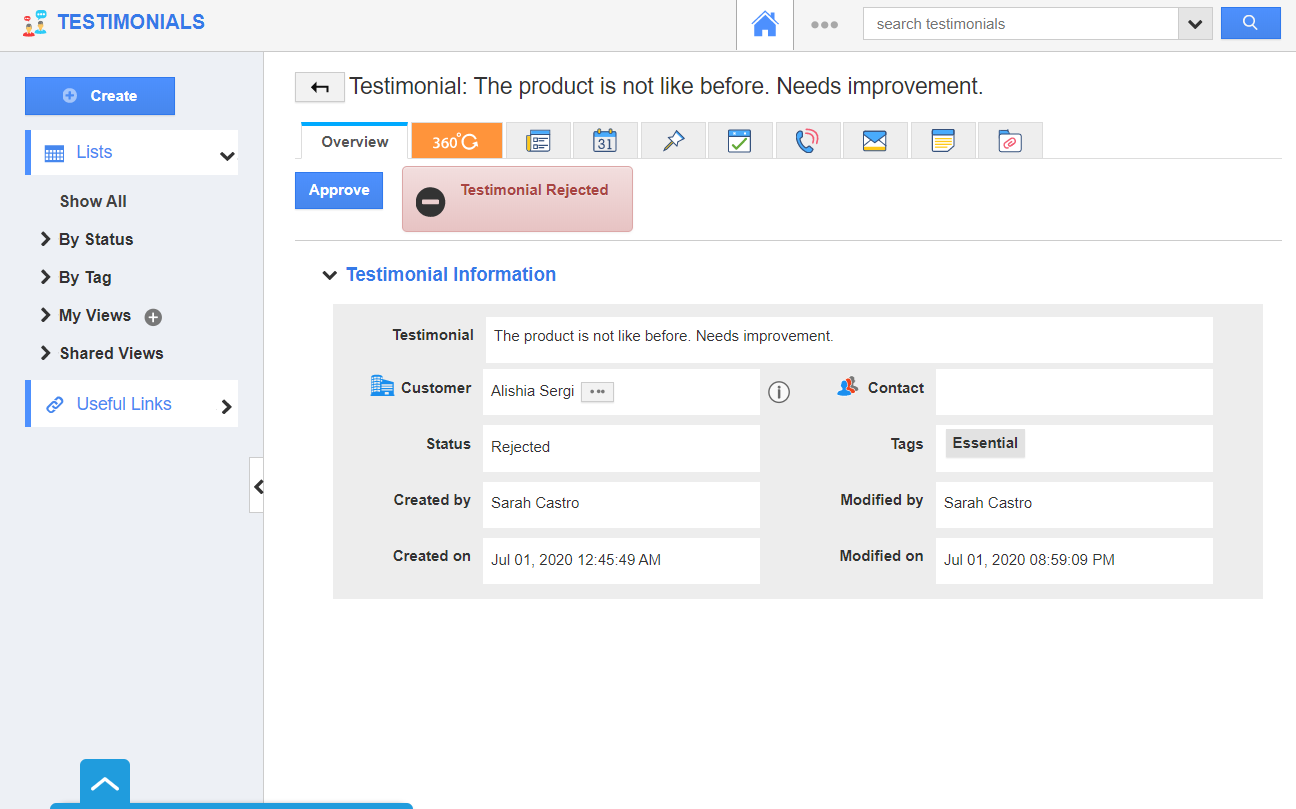
- You can click on the More Details icon of any testimonial to redirect to the Overview page.