Browse by Solutions
Browse by Solutions
How to set the Margin and Padding for the Header in the PDF of an Estimate?
Updated on June 22, 2020 04:31AM by Admin
- In the Estimates App of your Apptivo account, select Settings from the App Header.
 |
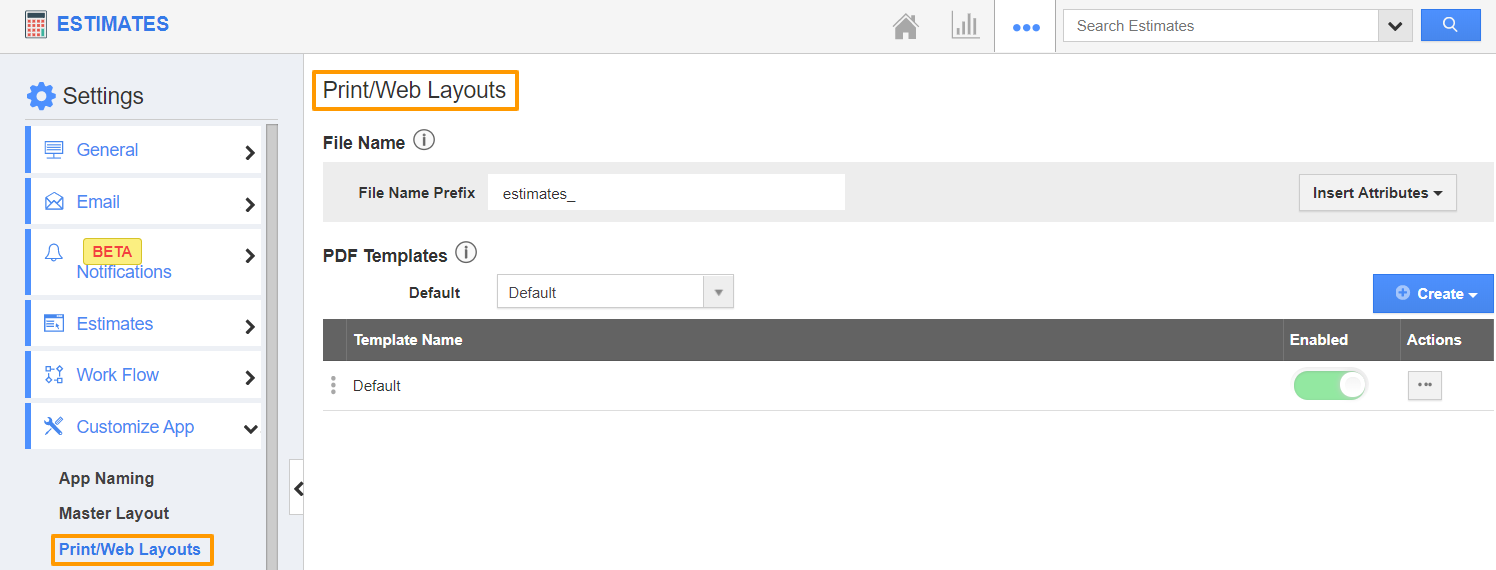
- In the Settings page, go to Customize App → Print/Web Layouts from the left navigation panel. The Print/Web Layout page will come into view.
- Create a new layout or open an existing layout. Here, an existing layout is selected.
 |
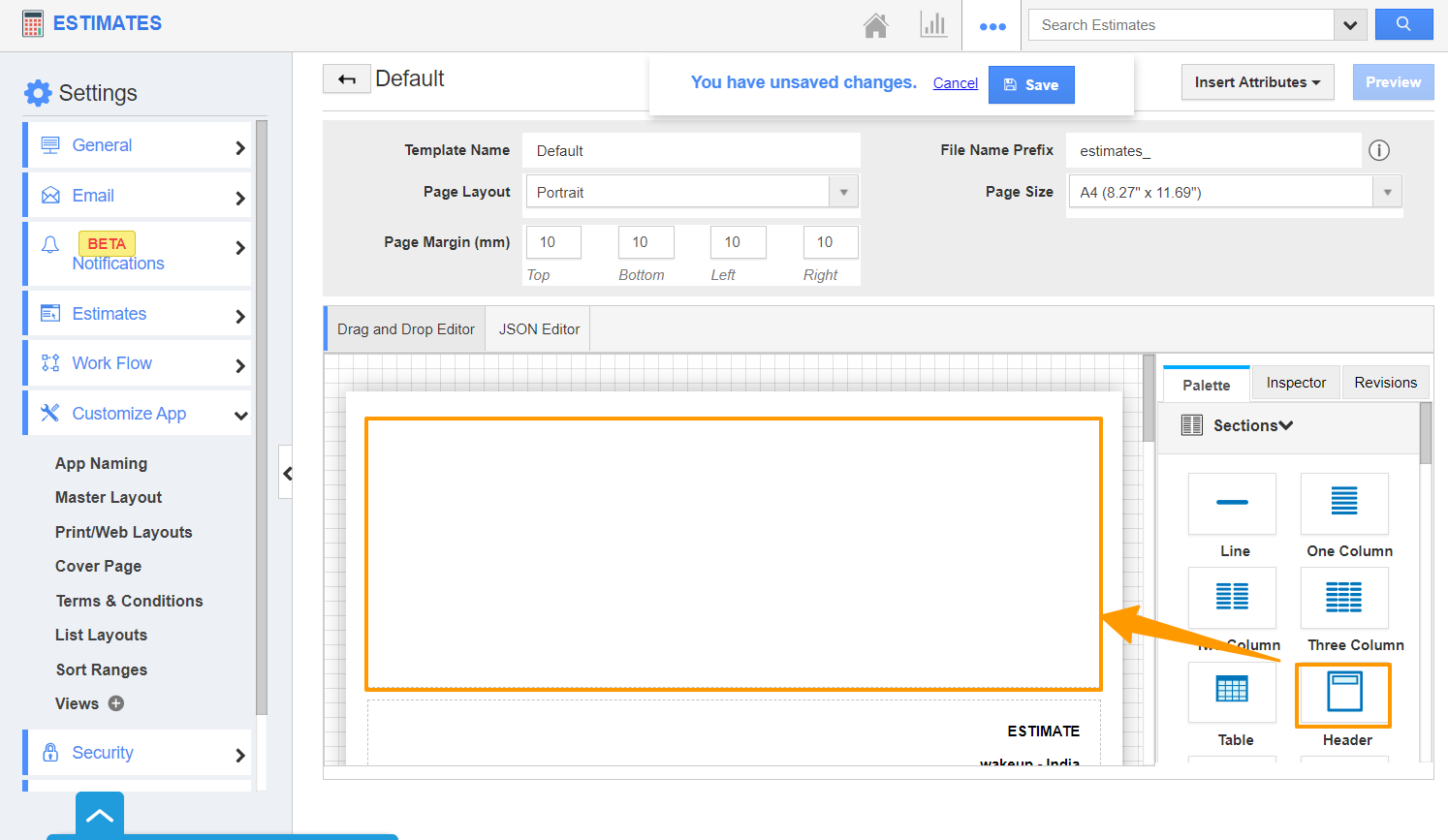
- In the Print/Web Layout, drag and drop the Header section from the Palette in the right panel.
 |
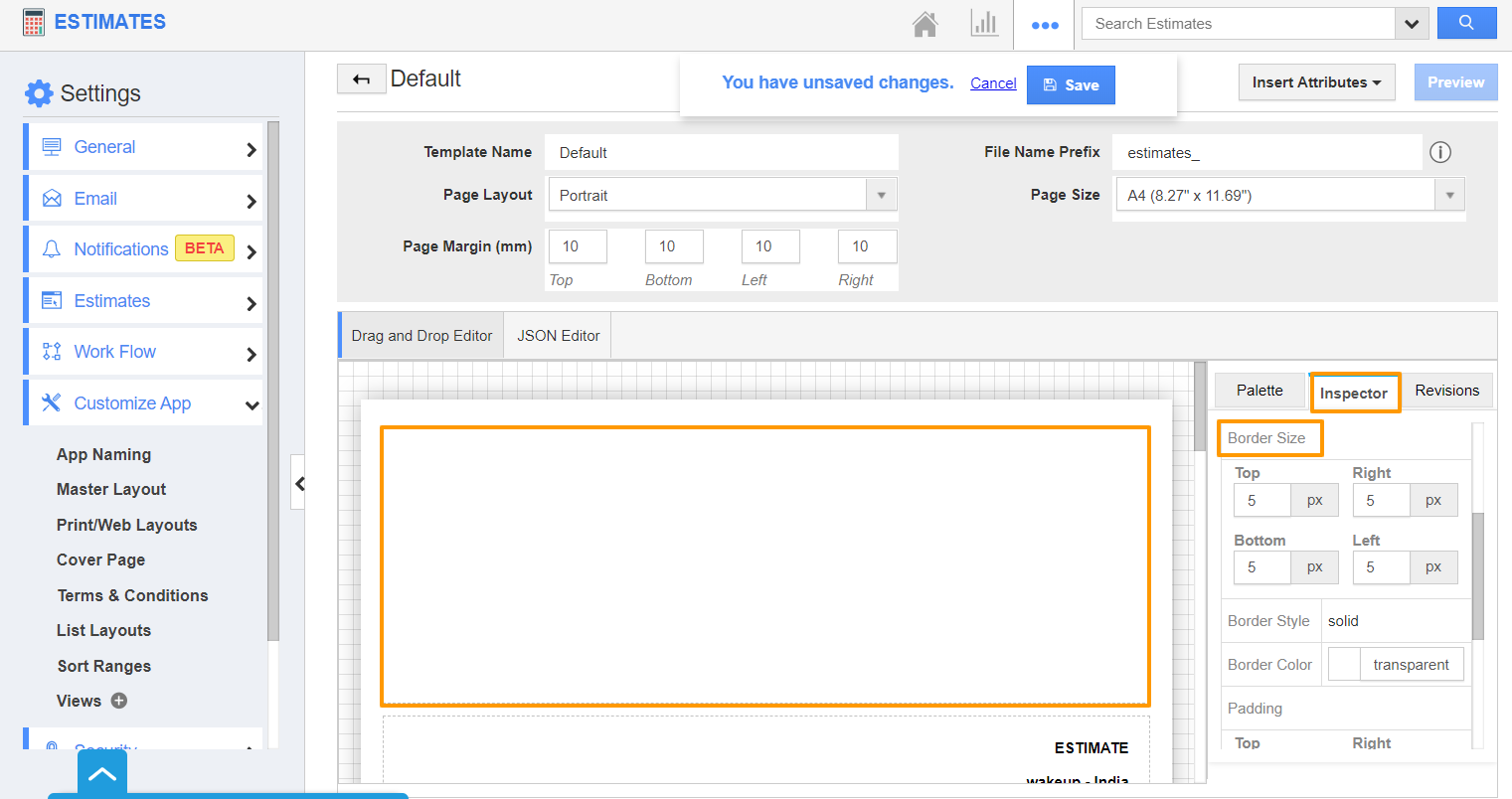
- Click on the Header section to view the Inspector tab. In the Inspector tab, you can adjust the Margin values for all the four sides Top, Right, Left, and Bottom.
 |
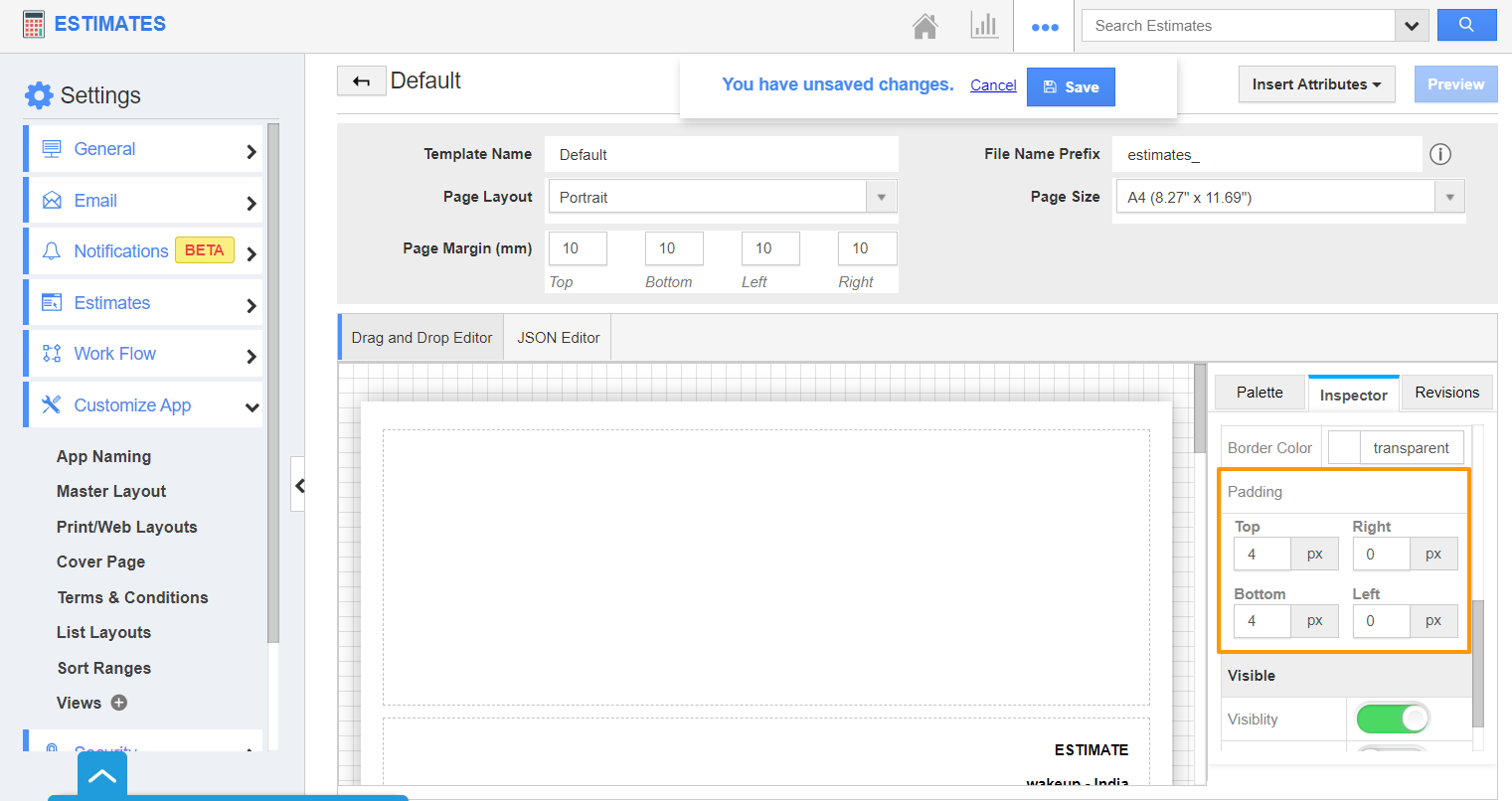
- On scrolling down the Inspector tab, you can also change the Padding.
 |
- Once the changes are made, add the content to the header and save the changes.
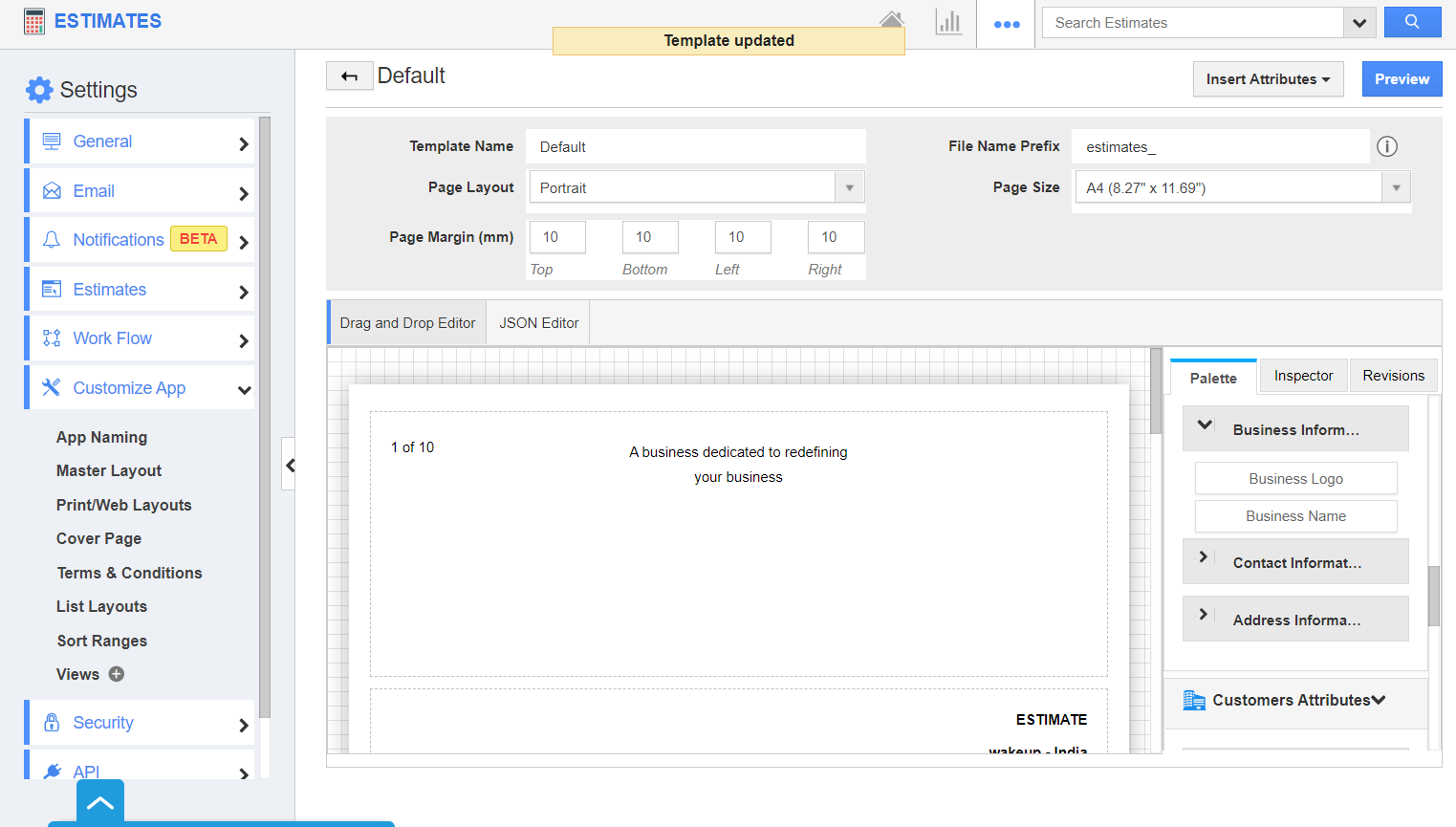 |
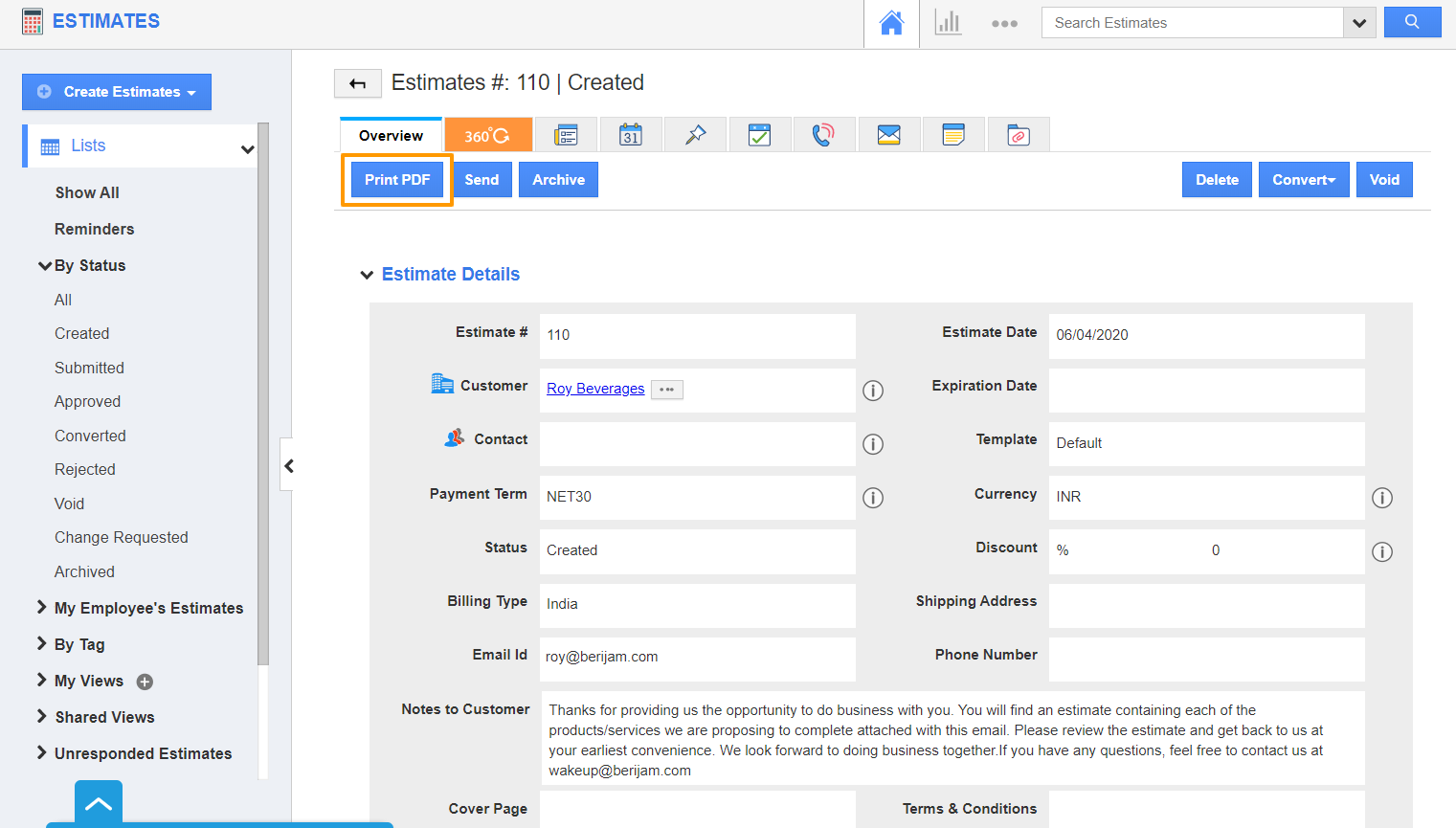
- Select the Print PDF button from the Overview page of an Estimate.
 |
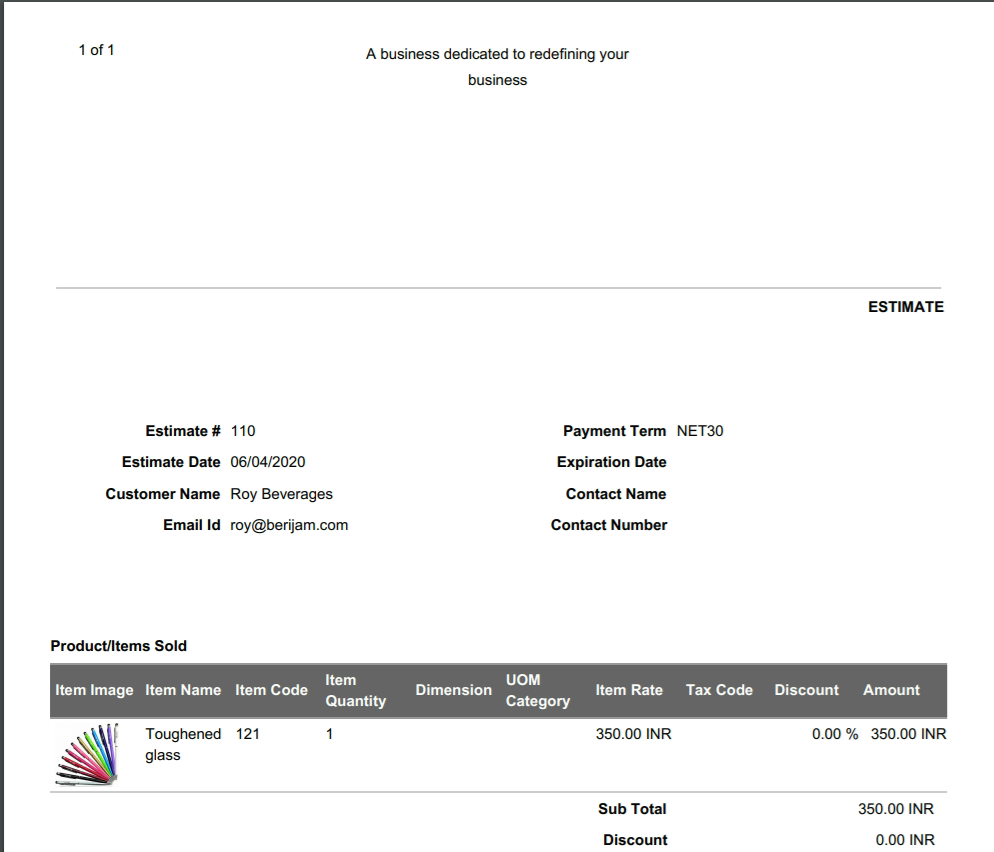
- In the PDF, you can see the Margin and Padding are customized according to the configured values.
 |
Flag Question
Please explain why you are flagging this content (spam, duplicate question, inappropriate language, etc):