Browse by Solutions
Browse by Solutions
How do I delete a Report in the Report Activity?
Updated on June 11, 2020 08:10AM by Admin
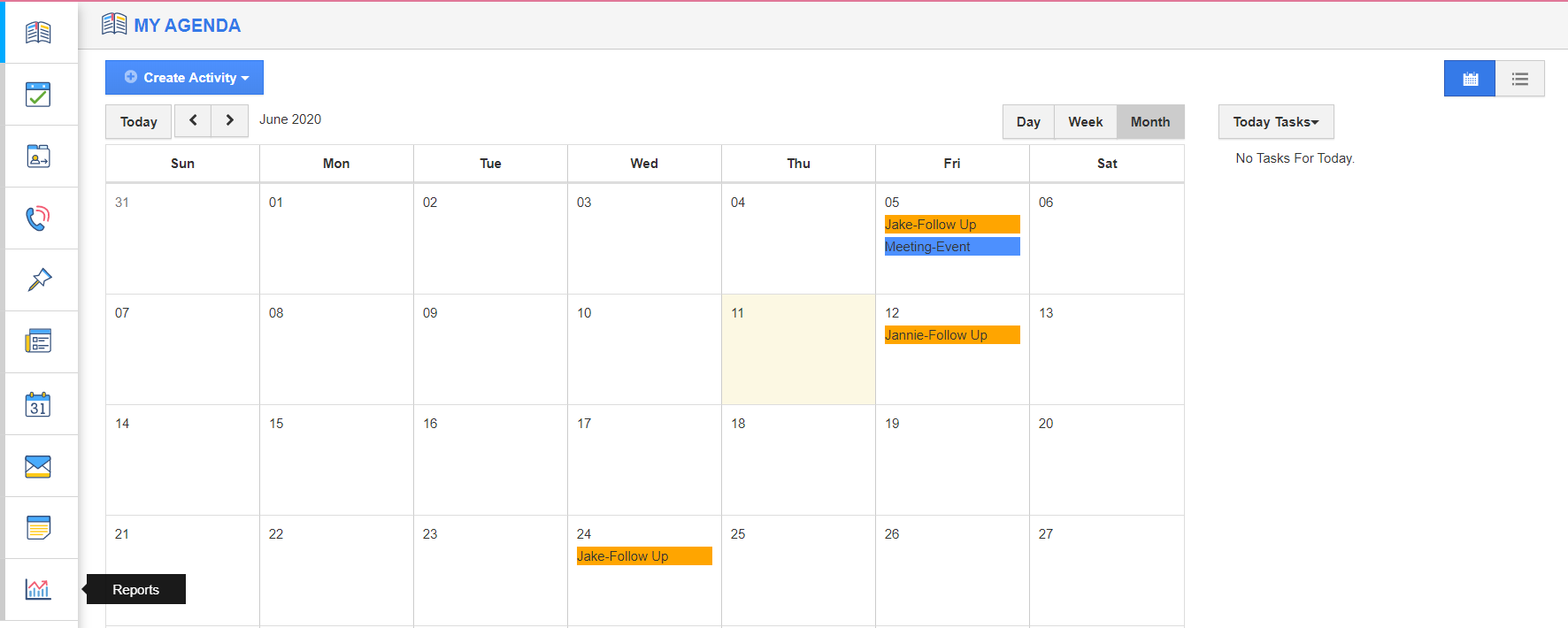
- Log into your Apptivo account and select the Report activity from the left navigation list.
 |
- The Report Activity page will come into view. Select the Settings icon from the top right corner of the App Header.
 |
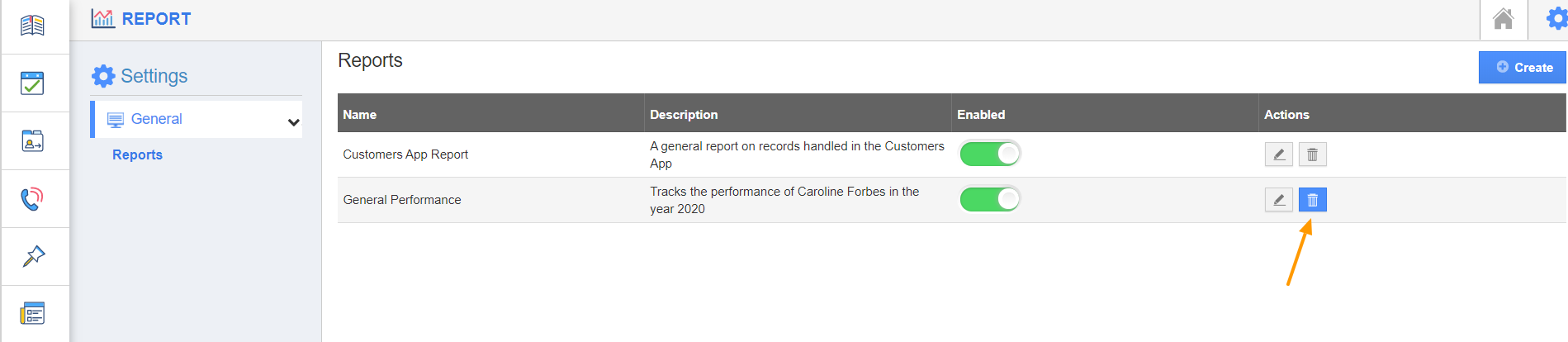
- In the Settings page, the list of Reports created will be lined up. Select the Delete icon in the report to be deleted.
 |
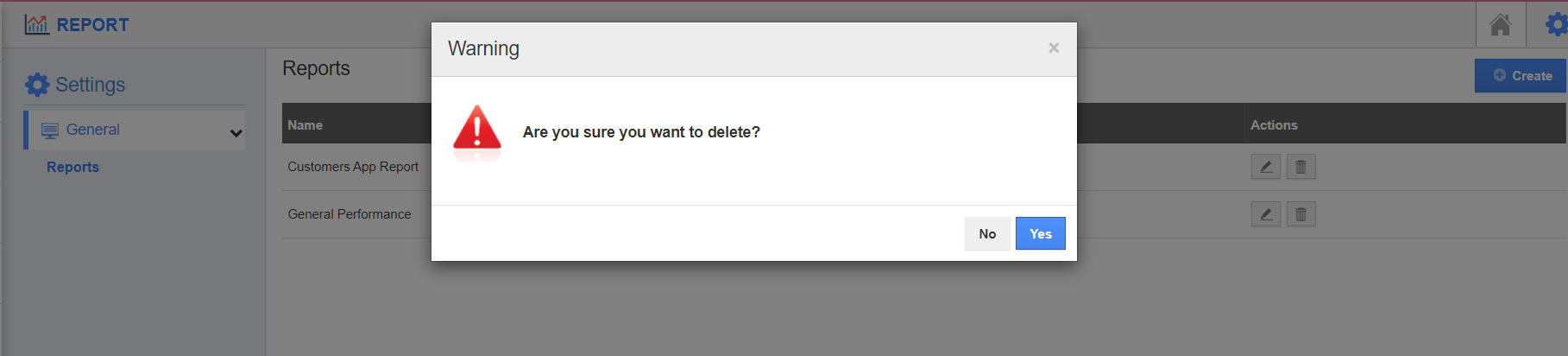
- You will be notified to confirm the delete request.
 |
- On deletion, the report will be removed from the Settings page.
 |
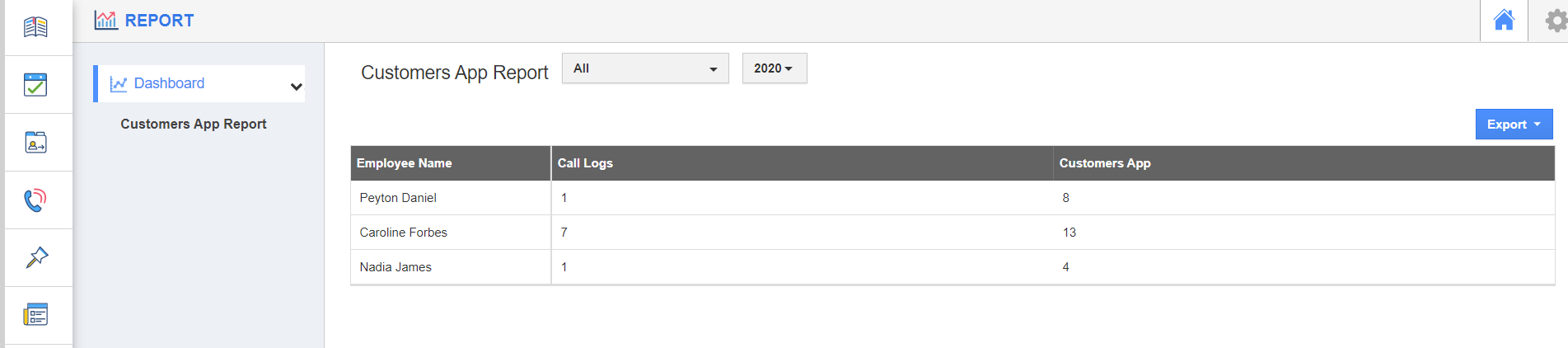
- When you switch back to the home page, you can see the Report is not listed in the left panel.
 |
Flag Question
Please explain why you are flagging this content (spam, duplicate question, inappropriate language, etc):