Browse by Solutions
Browse by Solutions
How do I delete a Category in the Items App?
Updated on May 23, 2020 06:36AM by Admin
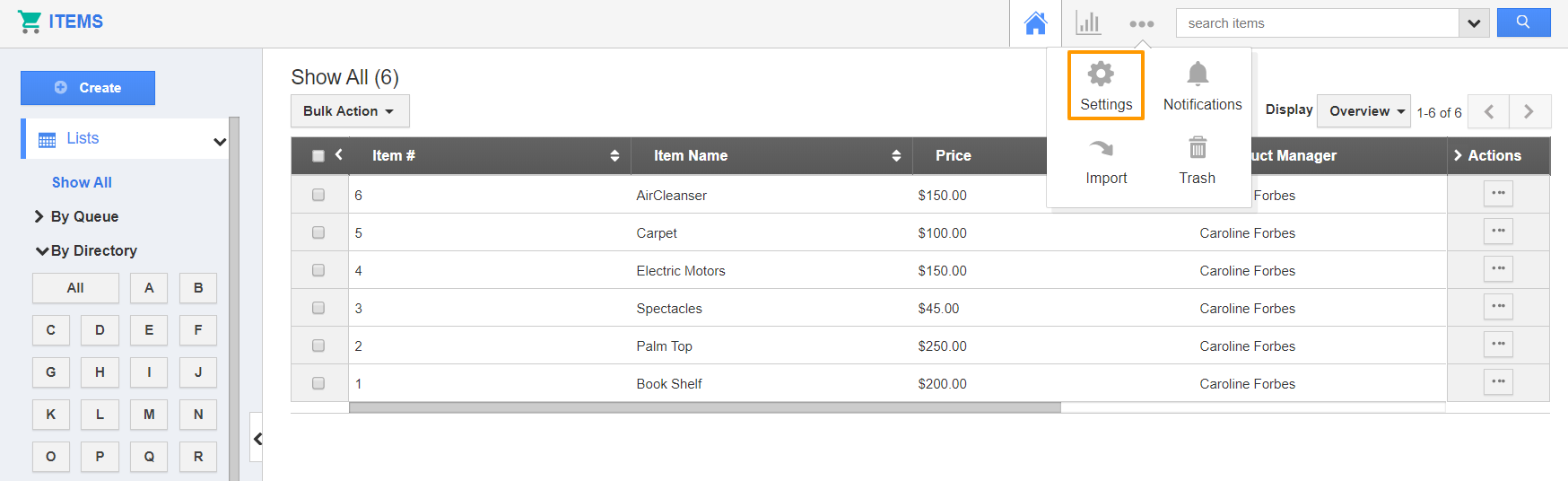
- Connect into your Apptivo account and go to the Items App. Select the Settings icon from the App Header.
 |
- Select Items → Categories from the left panel of the Settings page. The Categories page will display.
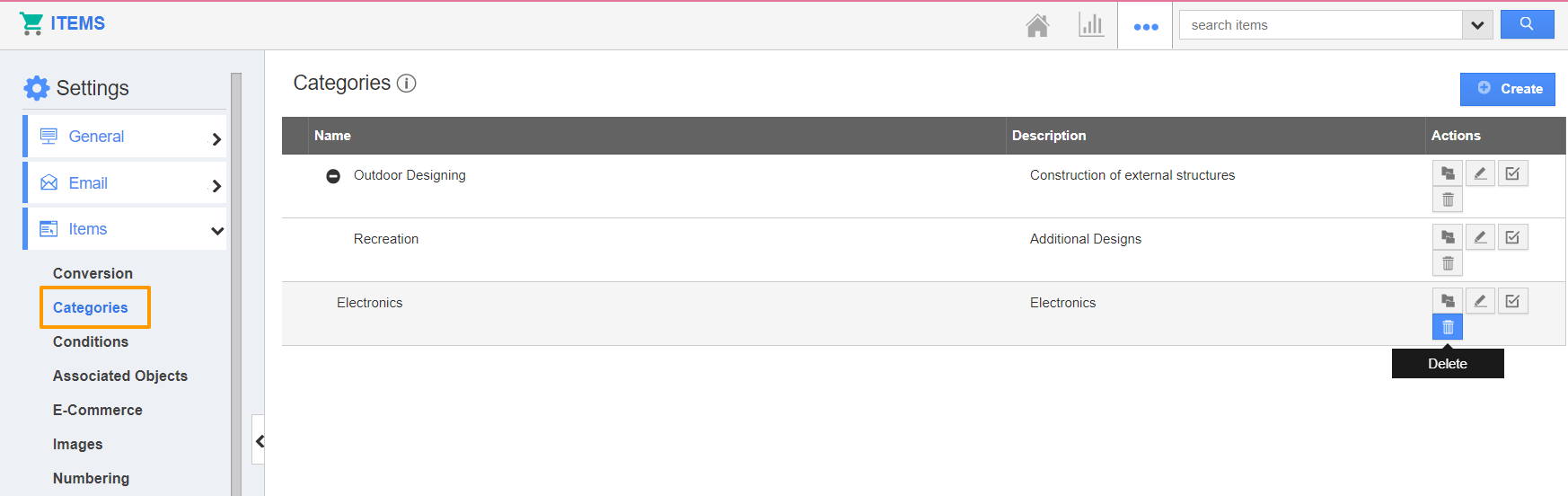 |
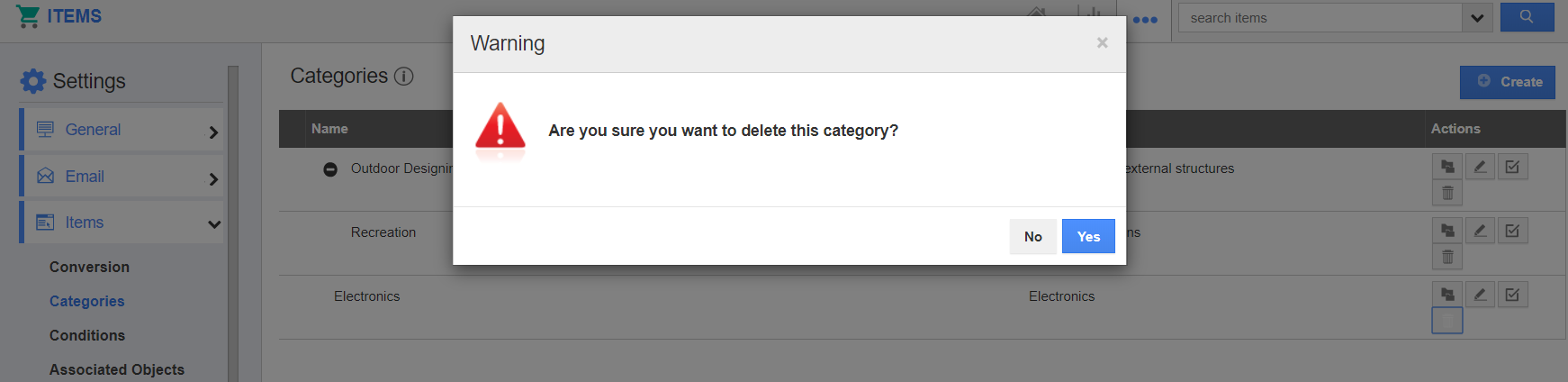
- On selecting the Delete icon, you will receive a prompt asking for confirmation to complete the process. Select Ok.
 |
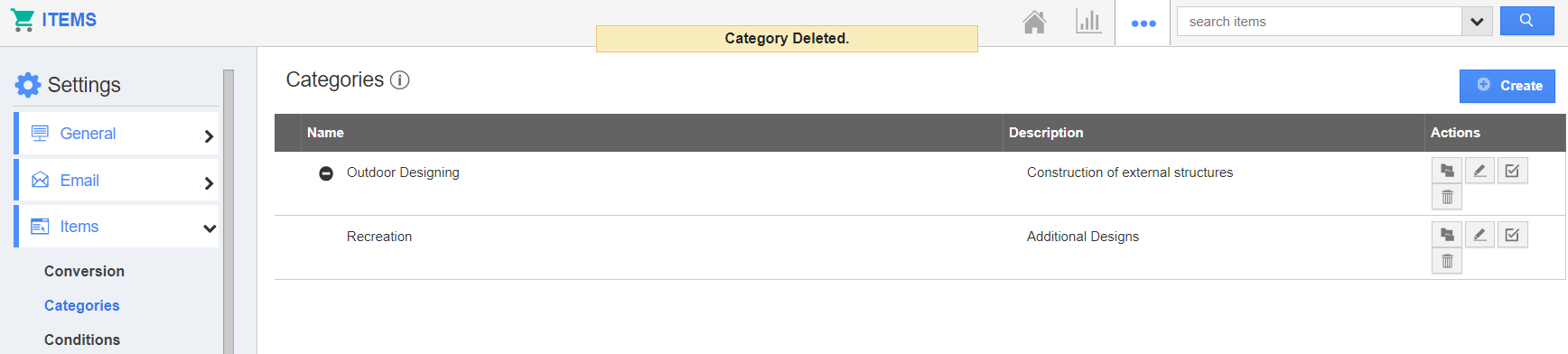
- The selected category will be removed from your account.
 |
- Create a new item or open an existing item.
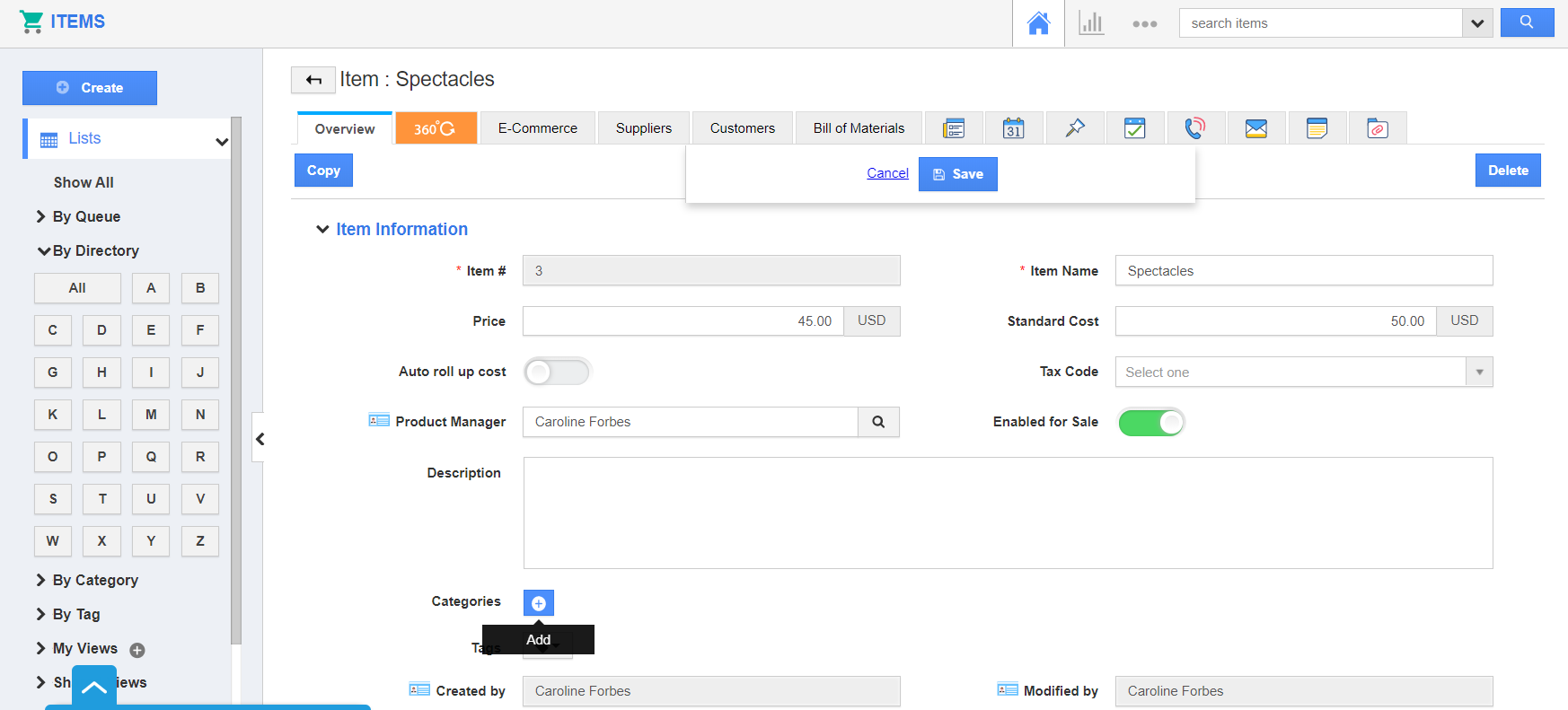 |
- When you create or edit an existing item in the Items App, the deleted Category will not appear in the Categories List.
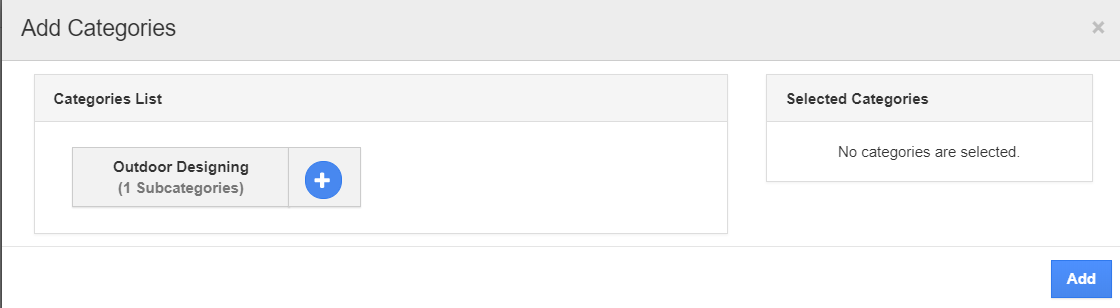 |
Flag Question
Please explain why you are flagging this content (spam, duplicate question, inappropriate language, etc):