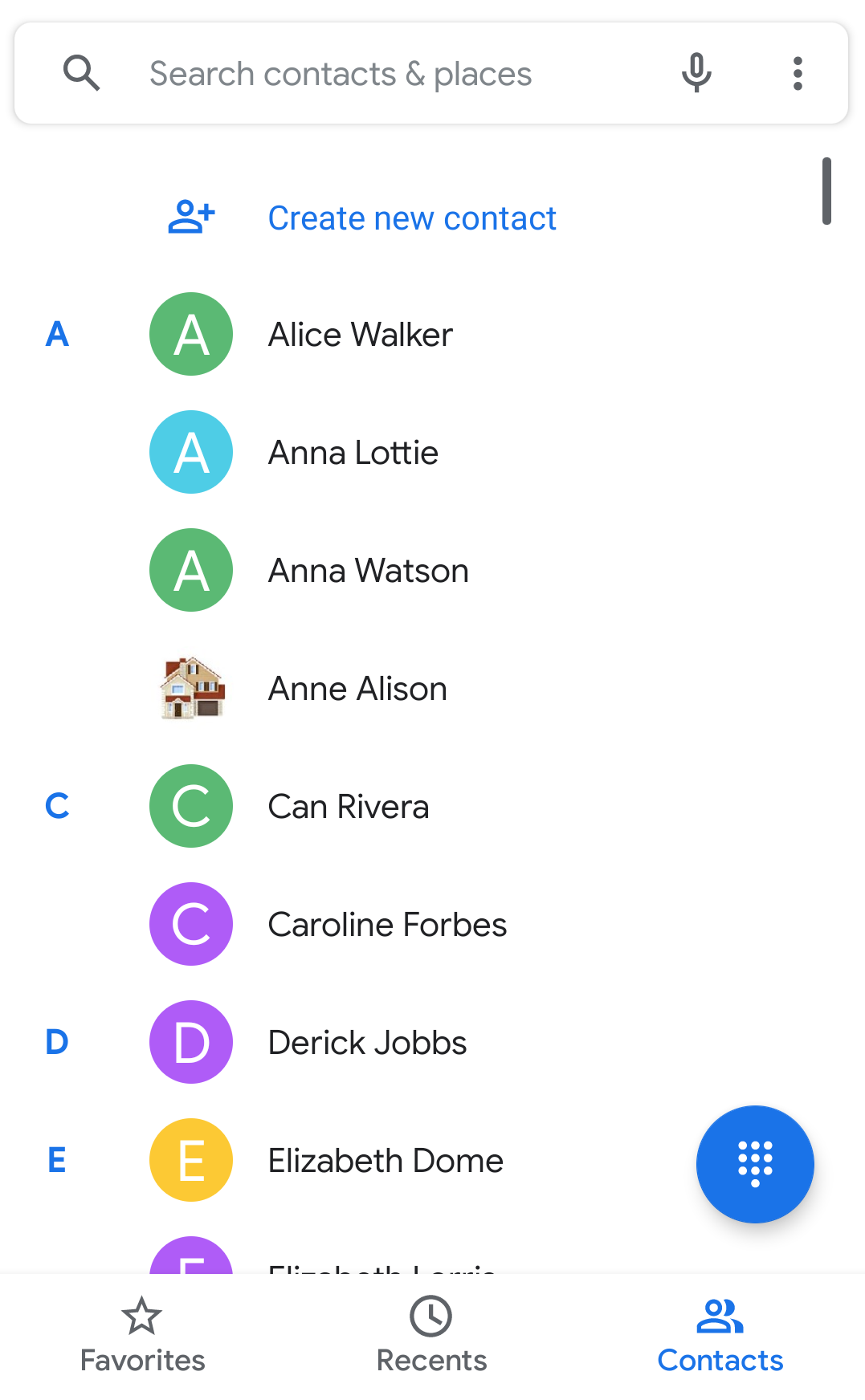
The contact information present in the Contacts App of Apptivo can be synced with the contact information present in your phone App. Apptivo’s android platform allows two-way sync. You can view the information present in the Contacts App in your mobile’s Phone App and vice versa.
Steps to Enable Contact Sync
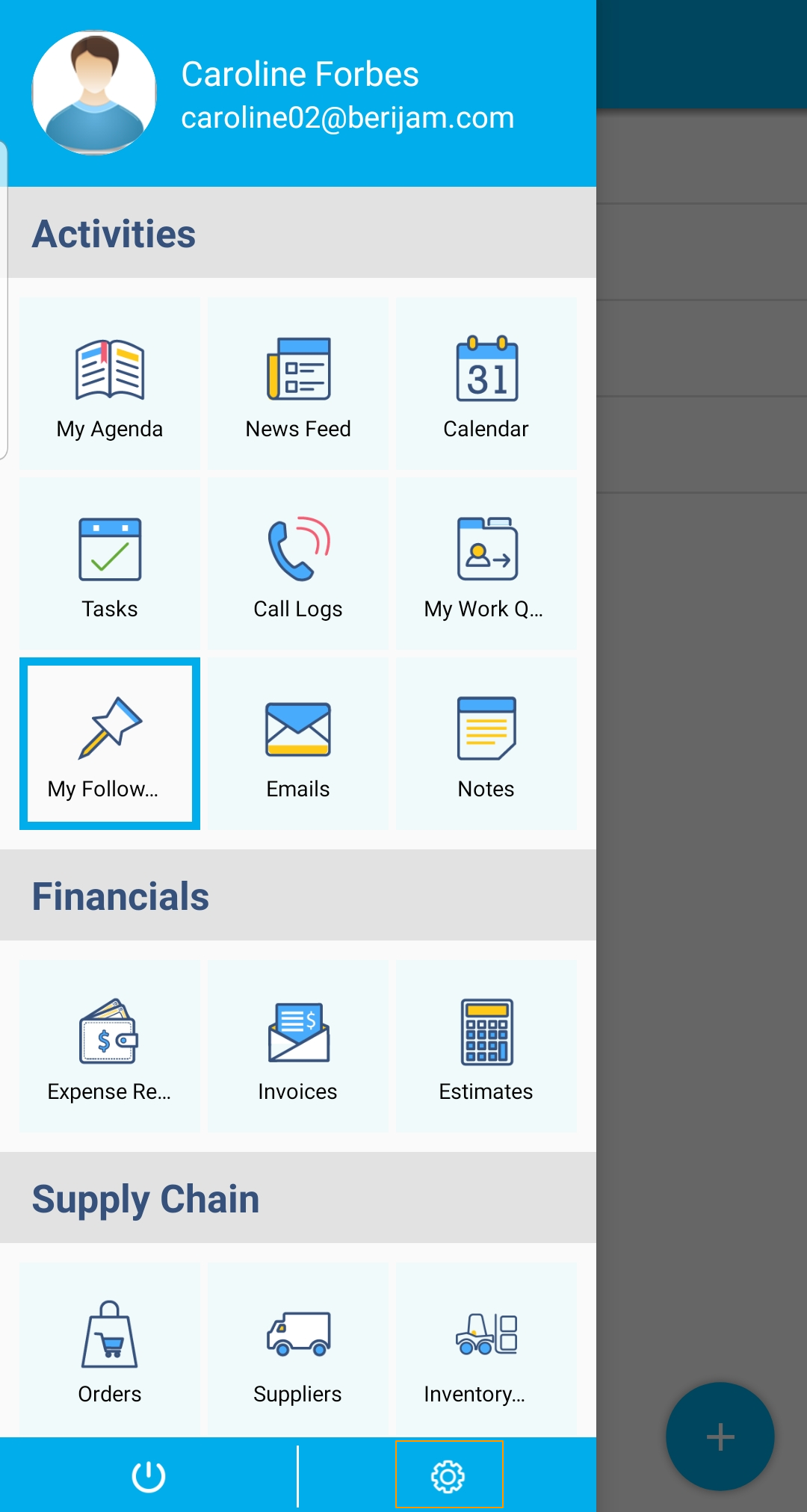
- Navigate to Settings in the Android mobile App of Apptivo.
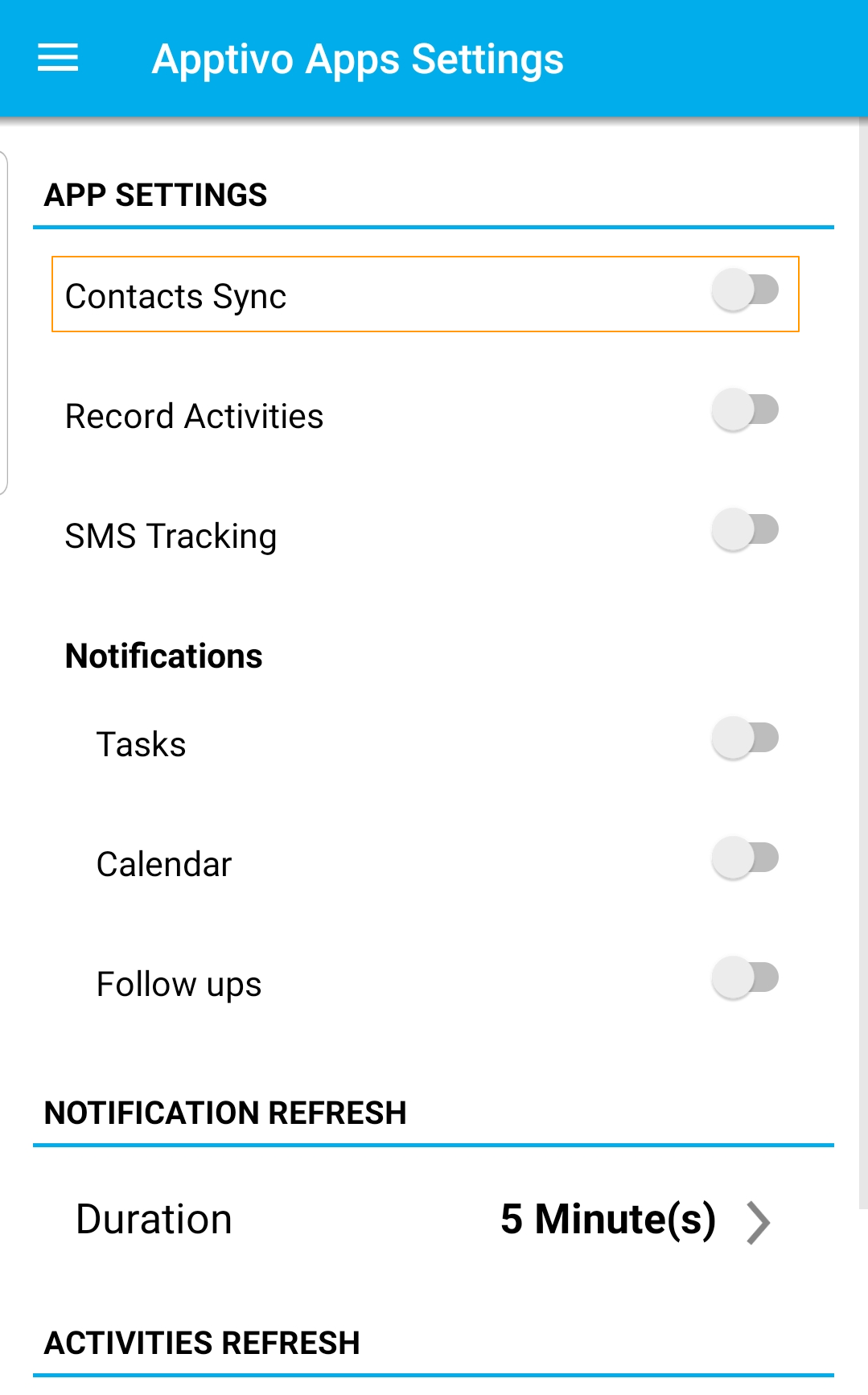
- Select Contacts Sync to configure the sync feature.
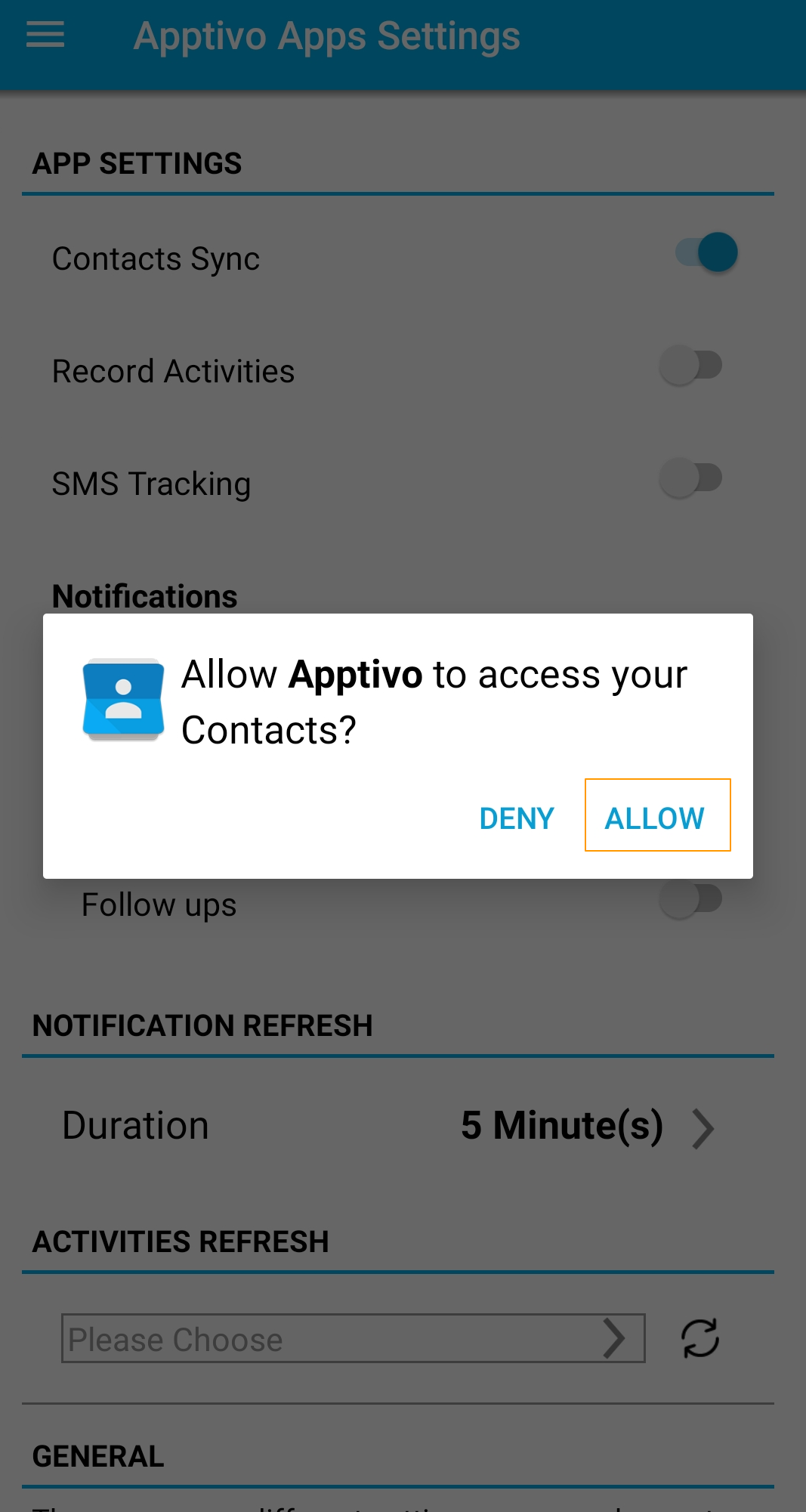
- On enabling it, you will be asked permission to access the Contacts. Give access to start the sync.
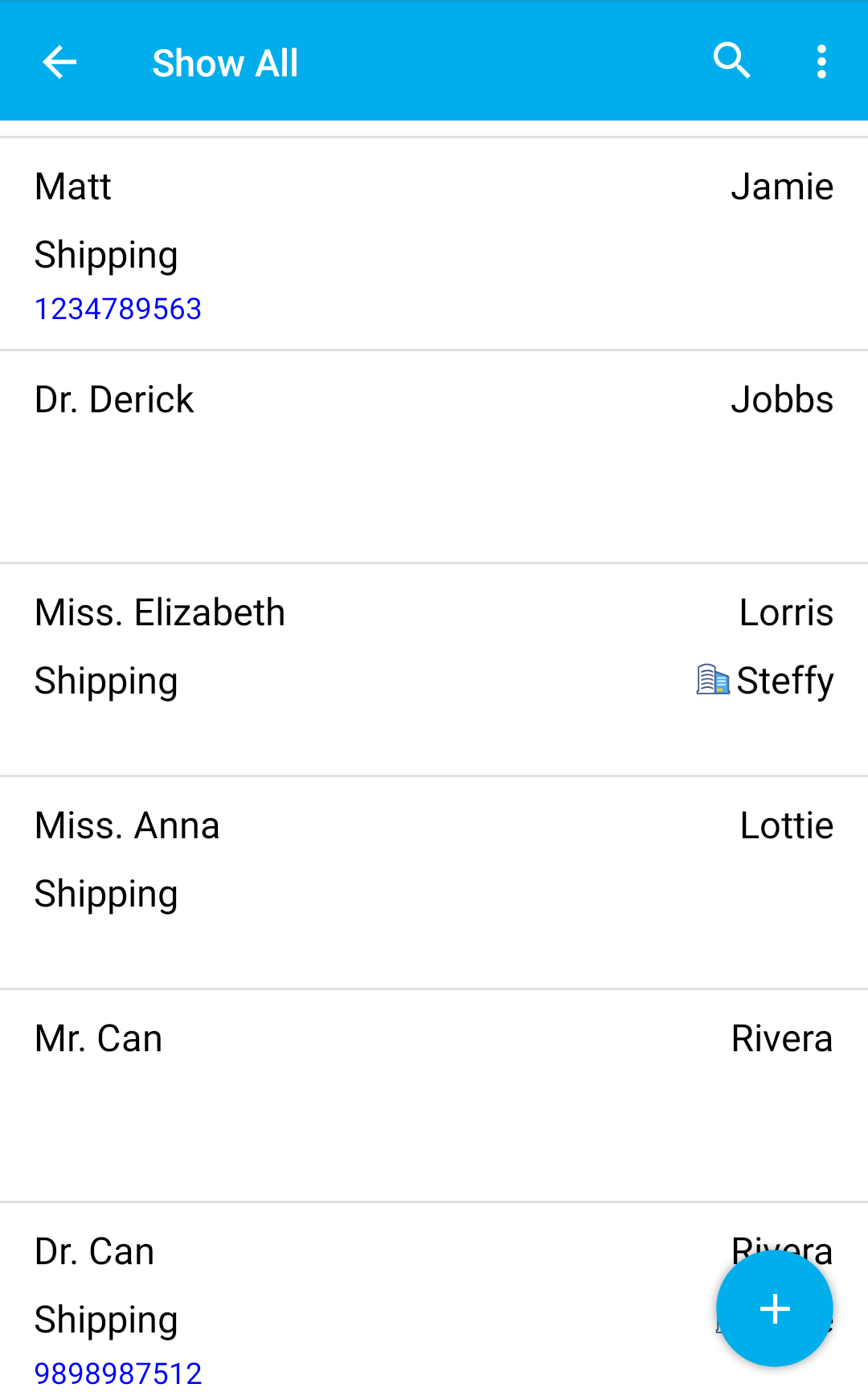
- Navigate to the Contacts App of Apptivo. Refresh the list of Contacts.
- The contacts present in the mobile Phone App will be available in the Contacts App of Apptivo. Similarly, the records present in the Contacts app will be available in the Phone App as it is a two-way sync.