The table column width is one of the field properties found in Master Layout. This width feature is used to set a predefined width of a column element.
Steps to Set Table Column Width for Fields
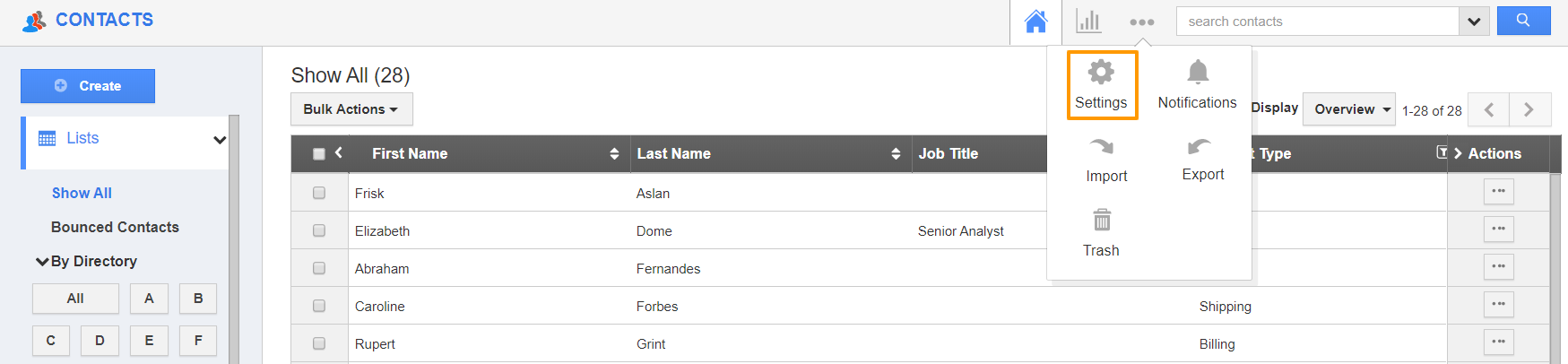
- Select the Settings page of your Contacts App from the App Header.
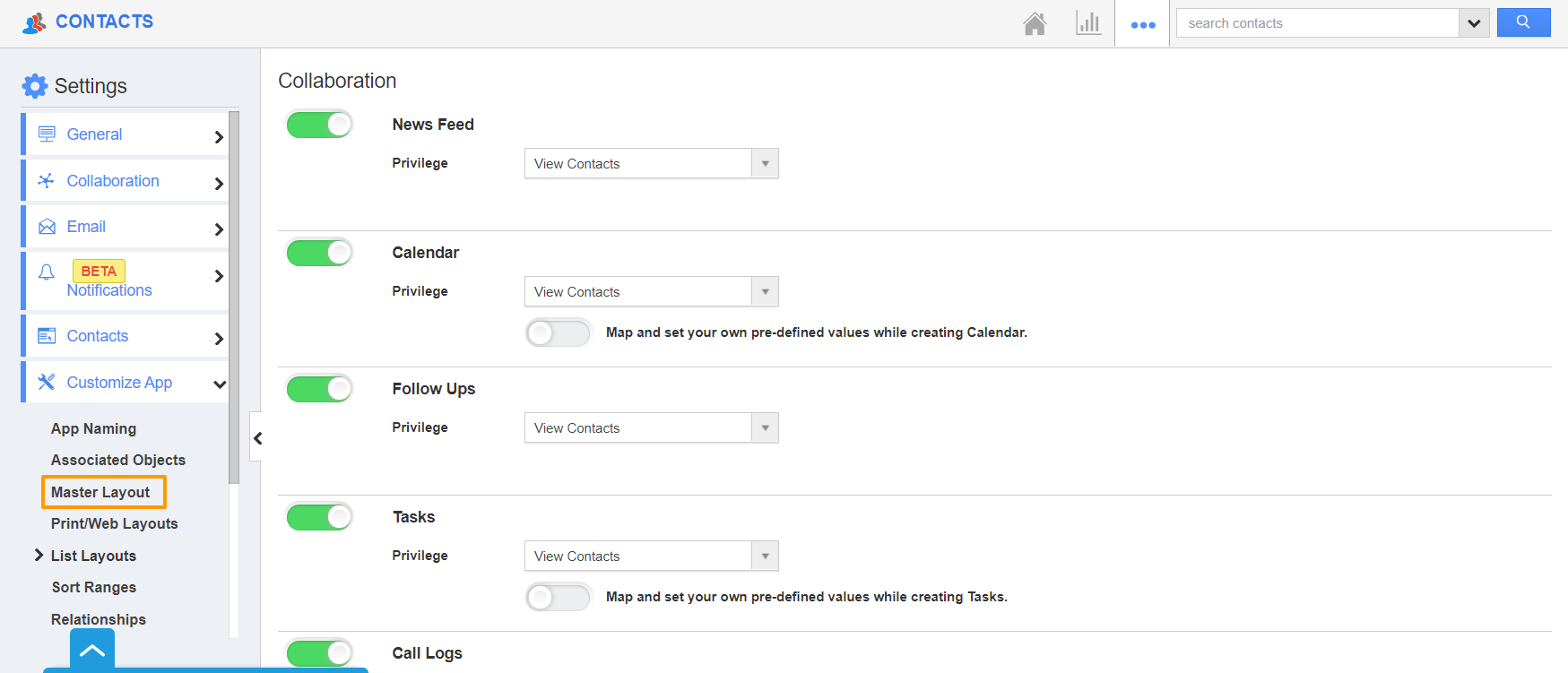
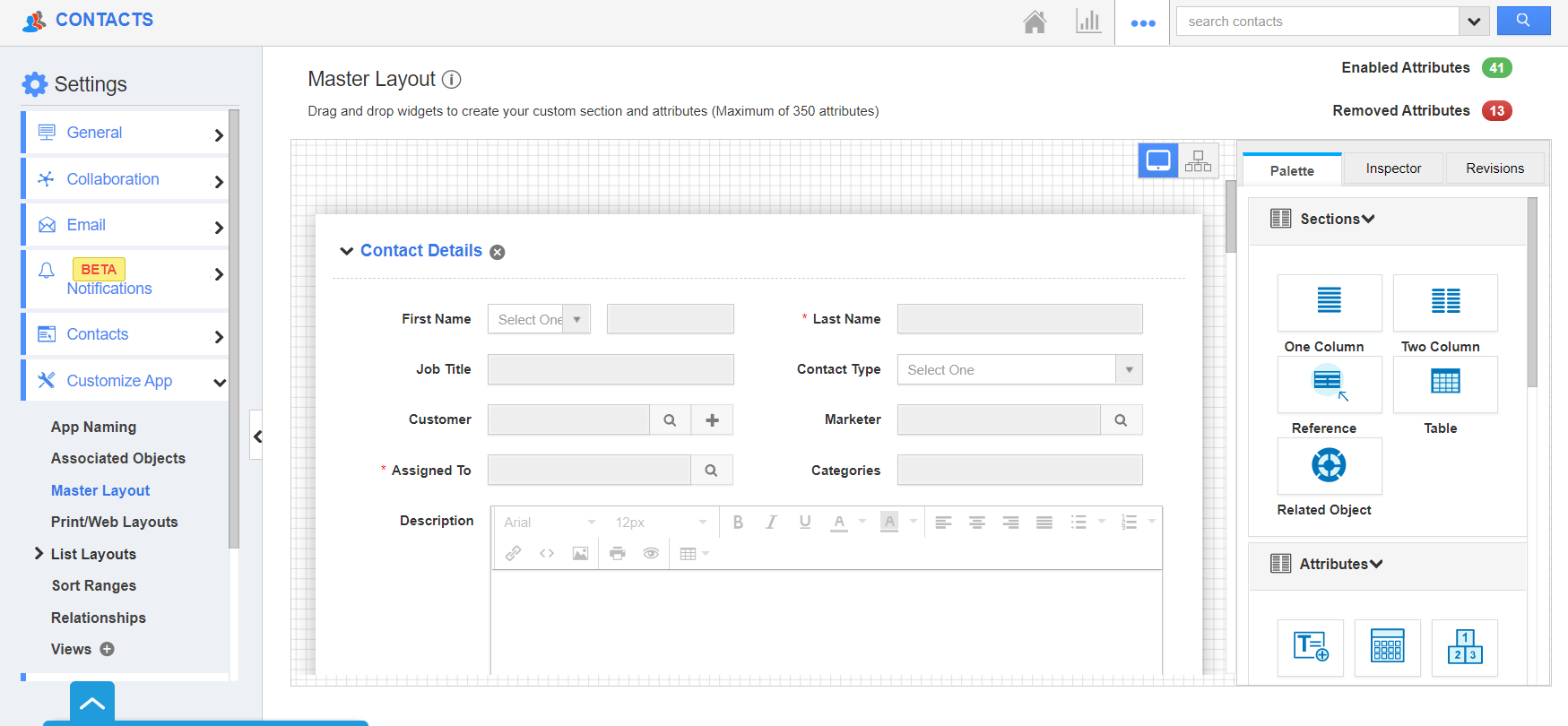
- From the Settings page, choose Customize App → Master Layout from the left panel.
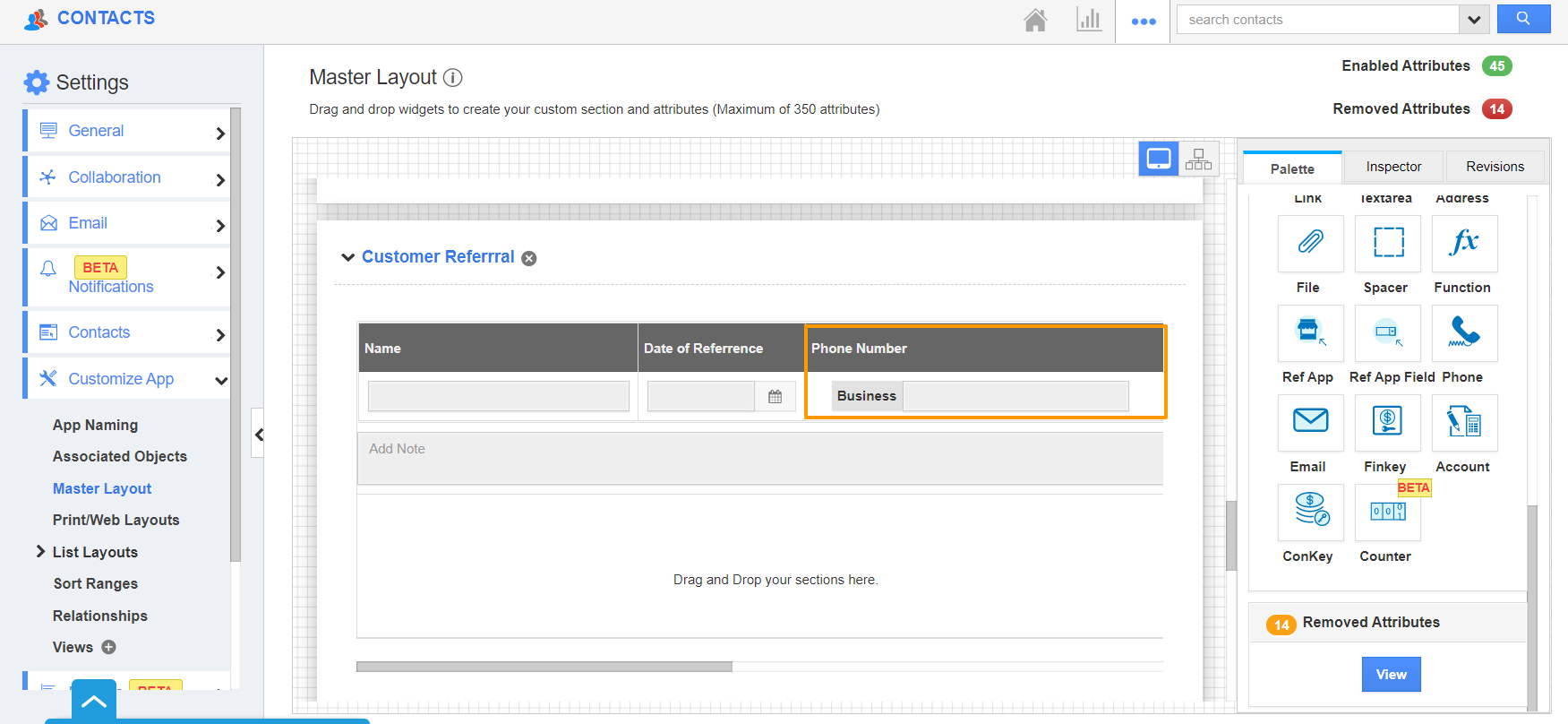
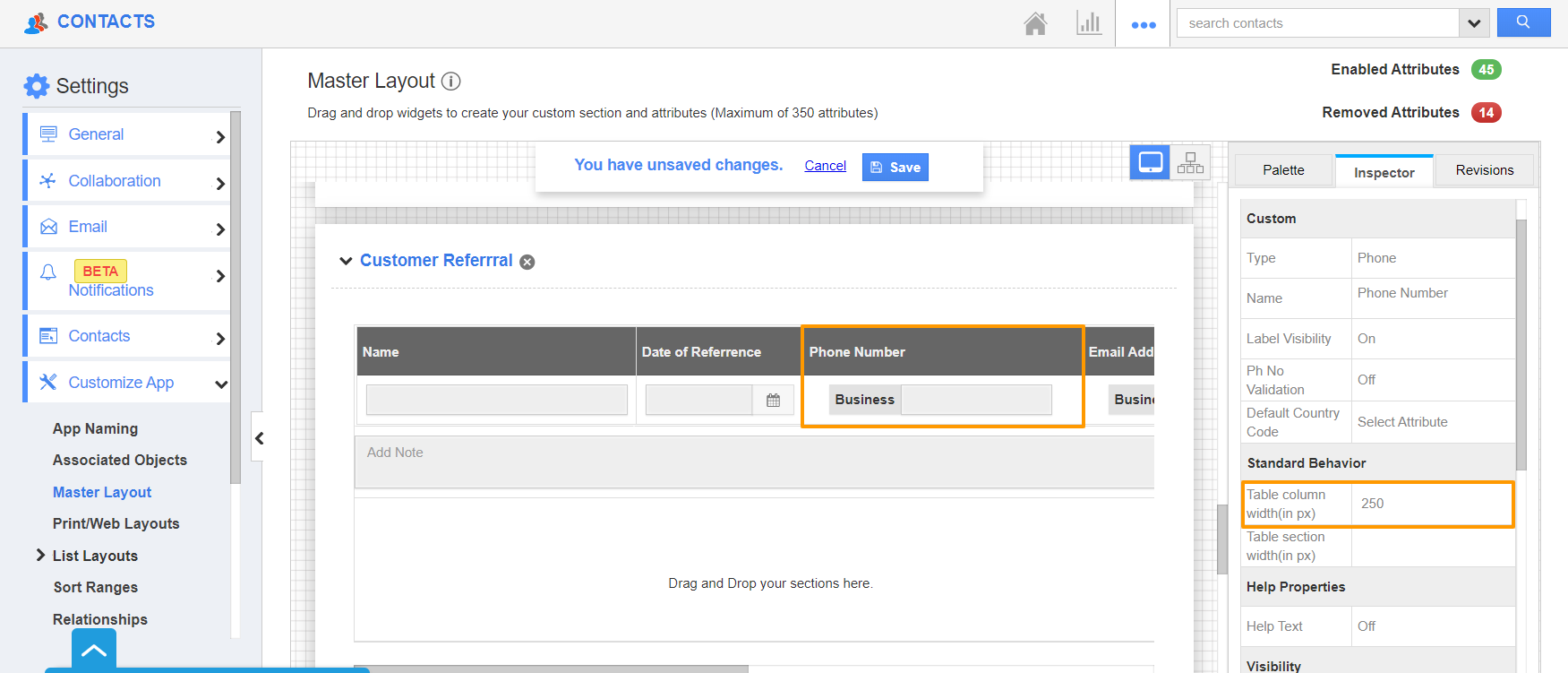
- The Master Layout page appears. Here, select a particular field in a table whose table column width is to be modified.
- Here, you can see the Phone Number field in a custom table called Customer Referral is selected.
- Click on the phone field to view its Inspector tab. Scroll down to the Standard Behavior section. Here, you can set the Table Column Width in pixels.
- This allows the field width to be the same when viewing contacts.
- Once the changes are made, save it.
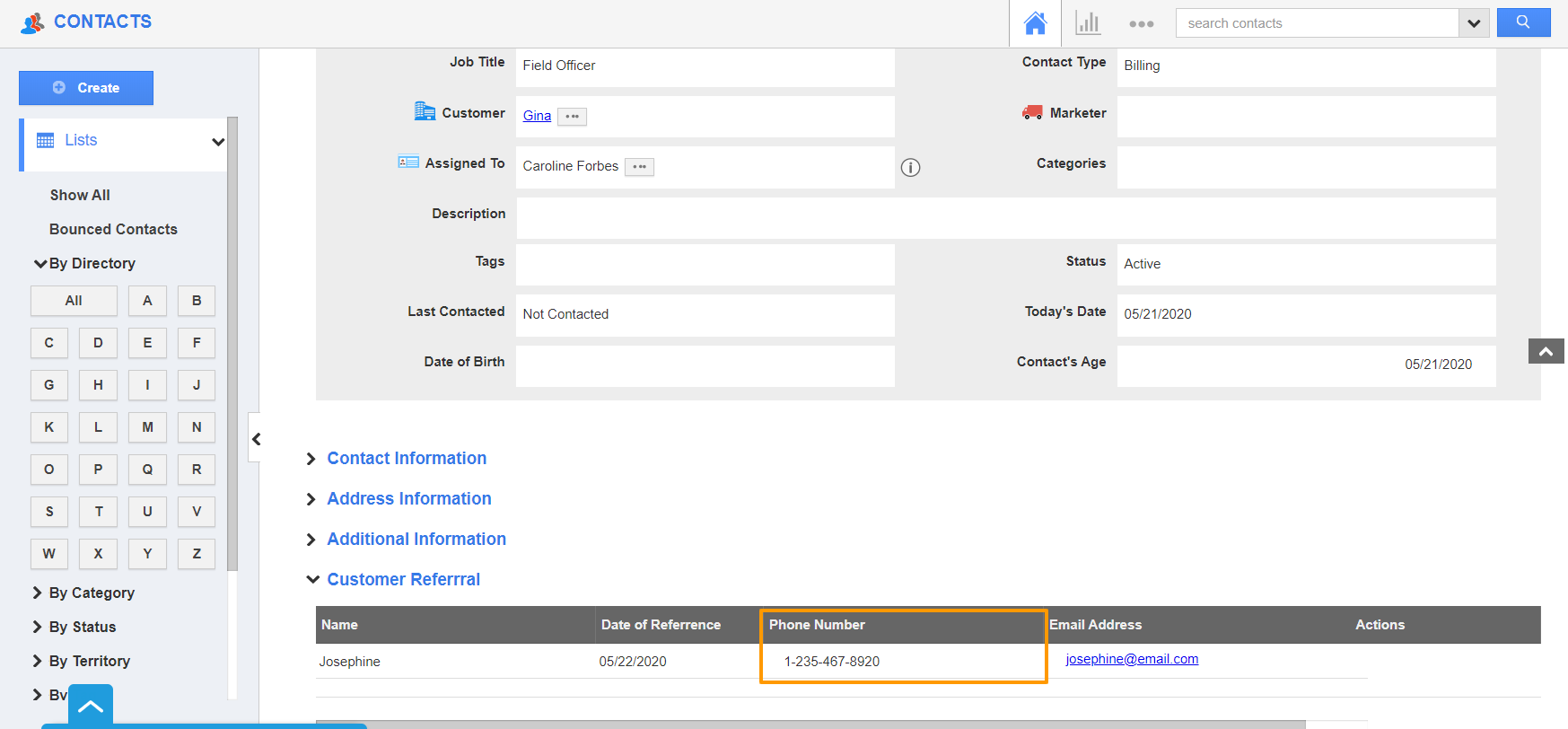
- When you view the overview page of contact, the column width of the Phone Number Field will be as per the configuration in the Master Layout.