Browse by Solutions
Browse by Solutions
Why do I see two different dashboards of Employees App?
Updated on November 28, 2014 01:39AM by Admin
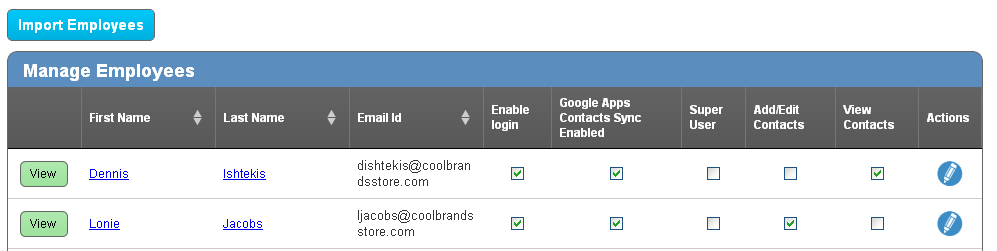
There are two dashboards are available in Apptivo for the Employees App.
- When you login from Google’s more link (Contact Sharing App) you might view this one. By using this dashboard, you can assign contacts sharing roles to your employees / users.
- When you login from the main website, you might view this one. In this dashboard, you can find configuration button. It helps you to assign roles to your employees for the other Apps in Apptivo.
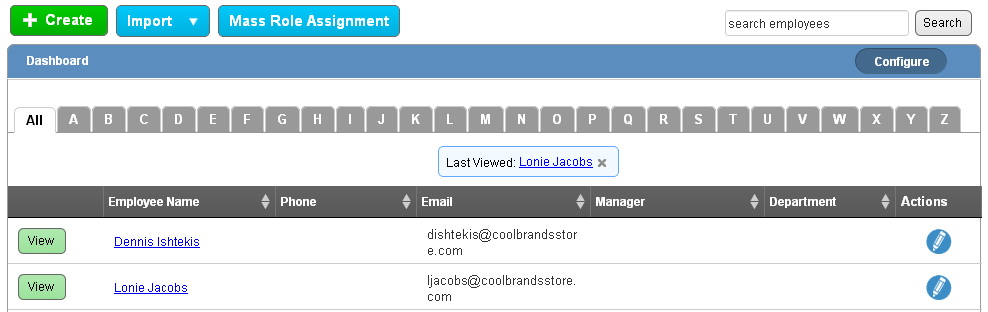
These options will allow you to setup role based access to your employees easily.
Flag Question
Please explain why you are flagging this content (spam, duplicate question, inappropriate language, etc):